Best Live Chat for WooCommerce: How to Choose
Choose WooCommerce live chat by evaluating product knowledge, mobile response, AI coverage, human takeover, lead capture, and storefront performance.
WooCommerce stores need more than a chat bubble. The right system should understand store information, respond when people are unavailable, let a person join without losing context, and remain usable on product and checkout pages.
The criteria that matter
- Product and policy knowledge: can it answer from current catalog and support content?
- Coverage: what happens outside staffed hours?
- Human takeover: can an agent join the same conversation?
- Mobile operations: can the team monitor and respond away from a desk?
- Lead context: do contact details remain attached to intent and products?
- Storefront impact: is the widget responsive and compatible with important pages?
Common WooCommerce live-chat approaches
| Approach | Best when | Watch for |
|---|---|---|
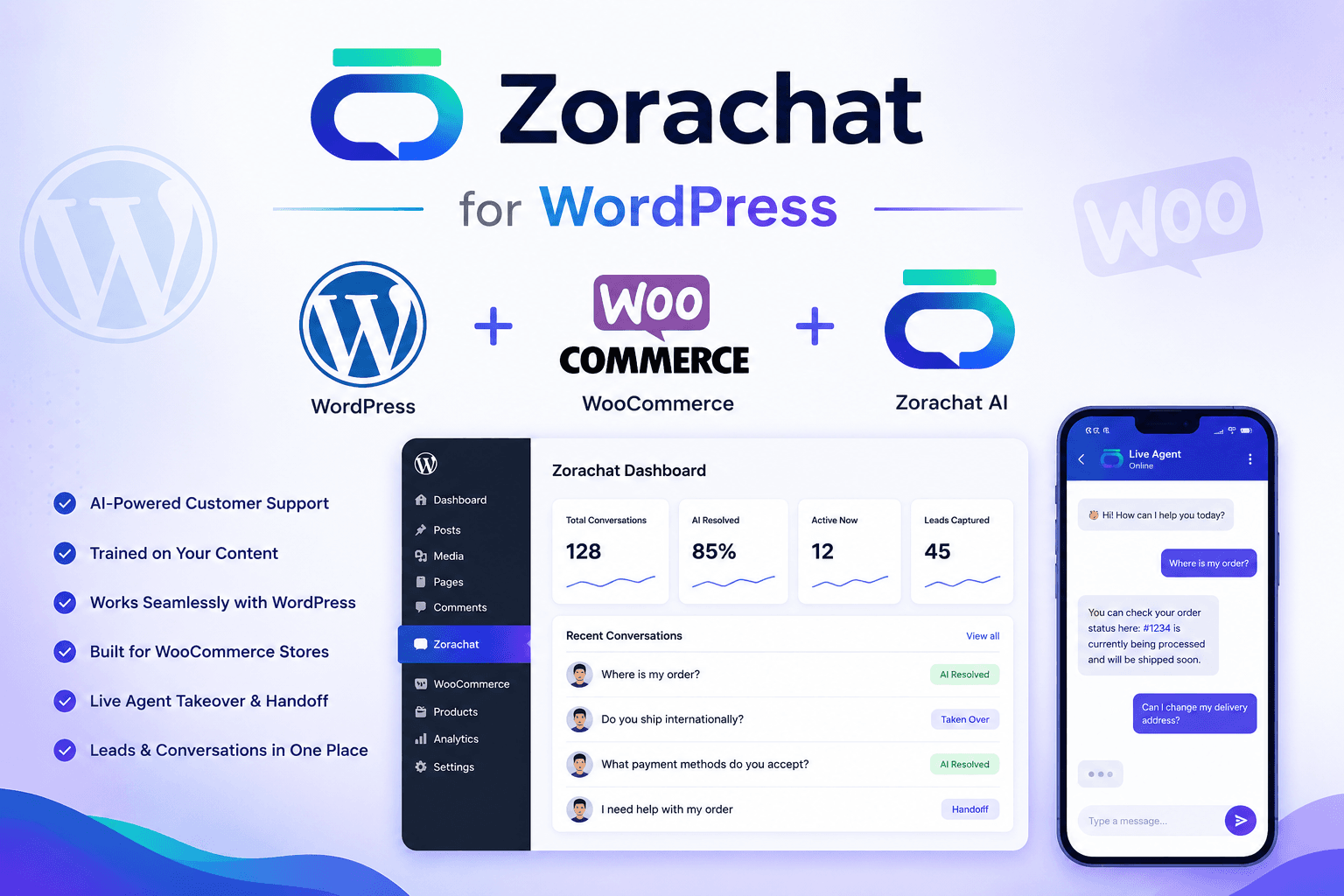
| Zorachat for WordPress | You want AI answers, WooCommerce-oriented support, lead capture, live monitoring, and human handoff in one thread. | Test the exact product, cart, and checkout workflow you intend to use. |
| Tidio with Lyro | You want an established live-chat suite with an AI agent and handoff. | Verify current usage allowances, channels, and plan requirements. |
| Jotform AI Chatbot | You want a WordPress AI plugin with ecommerce and form-oriented capabilities. | Test the operator workflow and store actions you require. |
| WordPress live-chat plugins | You primarily want human messaging or a specialized channel. | Confirm AI knowledge, handoff context, update history, and mobile operations. |
This is a selection framework, not a permanent ranking. Products and plans change, so verify facts on official pages and test finalists on staging.
A fair staging test
- Ask about products, shipping, returns, and an unsupported edge case.
- Test the experience when agents are online and offline.
- Trigger a takeover and inspect the context the agent receives.
- Open the widget on mobile product, cart, and checkout pages.
- Measure script impact and check theme compatibility.
- Confirm how customer data is stored and managed.
When an AI-human model is useful
Stores with repetitive questions and uneven traffic can benefit from AI coverage, while people remain responsible for exceptions and sensitive issues. The operating model in the WooCommerce automation guide explains how to divide that work.
Frequently asked questions
Does a WooCommerce store need AI and live chat?
Not every store does. Human-only live chat may work for low volume and staffed hours. AI becomes more useful when questions repeat, visitors arrive after hours, or the team needs immediate first response.
Should the chat widget appear during checkout?
Only after testing layout, performance, and distraction risk. The right placement depends on the store and the questions customers ask at that stage.
Choose for the real operating model
Compare how each option answers, escalates, and fits your team—not only how quickly it installs. Explore Zorachat for WooCommerce or deploy it for free.