How to Reduce a Customer Support Backlog
A practical plan for small teams to reduce a customer support backlog: prioritise unresolved chats, assign owners, communicate delays and prevent repeat work.
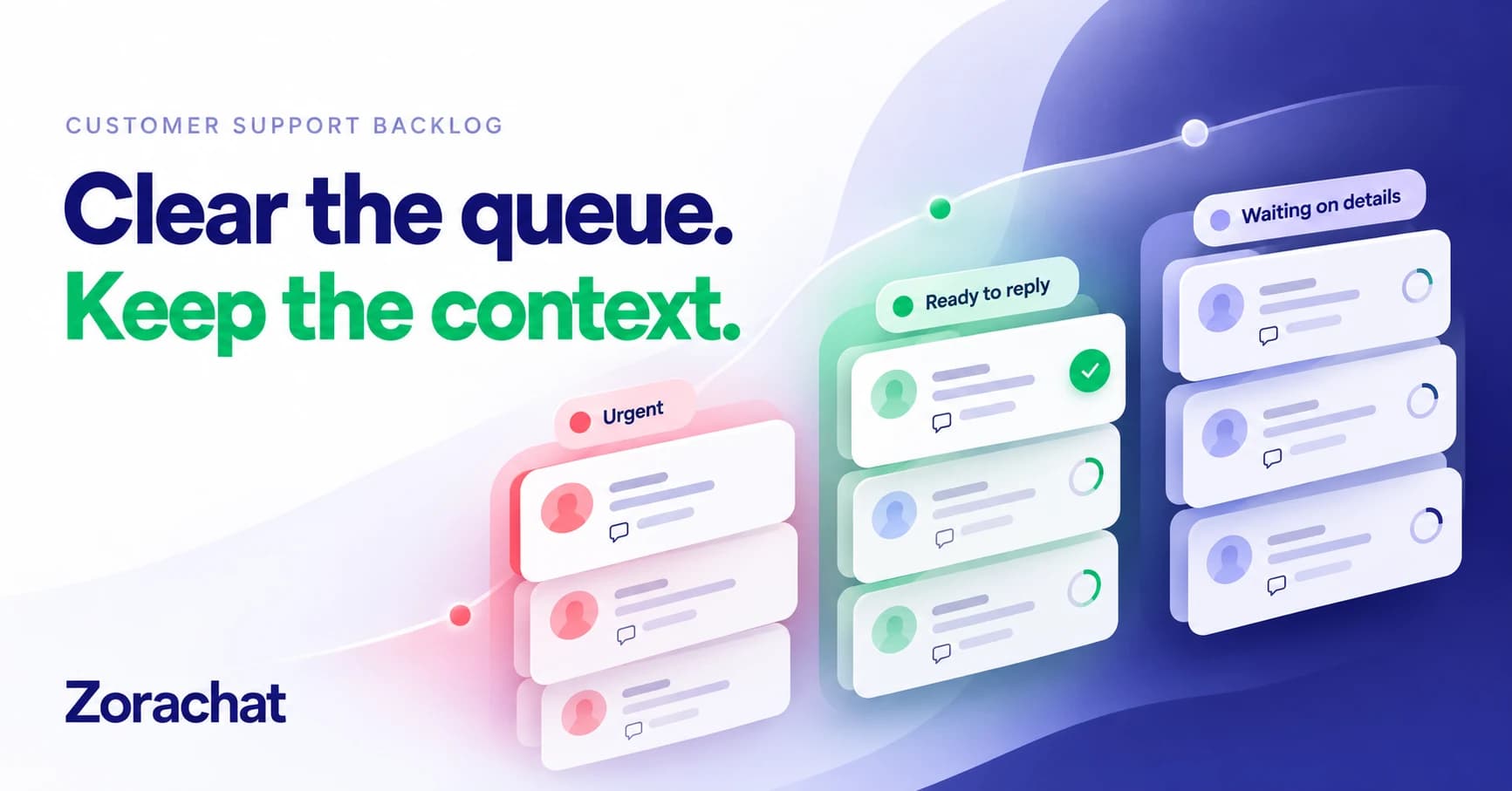
To reduce a customer support backlog, first identify the conversations that still need action, prioritise them by impact and age, and give each one a clear owner. Then protect time to resolve older work while keeping new enquiries from becoming tomorrow’s backlog.
This guide is for small teams handling customer questions across WhatsApp, Instagram, Facebook Messenger and website chat. You can follow the process with a simple worksheet and your existing inbox. The categories and review routines below are recommended working practices, not a claim that every support tool includes those features.
What counts as a customer support backlog?
A backlog is unresolved customer work at a particular point in time. Zendesk’s backlog reporting documentation, for example, measures a daily snapshot of unsolved tickets. For a chat-based business, use unresolved conversations rather than individual messages as your working unit.
Decide what your count includes. A conversation waiting for the customer’s order reference remains unresolved, but its next action differs from a complaint nobody has read. Record both situations separately so a smaller headline number does not hide customers who are still waiting.
1. Find the work that still needs a decision
Review each active channel before you start replying. Look for unanswered questions, promised callbacks, conversations awaiting a specialist, and threads that received an acknowledgement without a useful answer.
For each unresolved request, record:
- The original conversation link and channel.
- The customer’s actual question and when it arrived.
- The last useful response, if any.
- What must happen next and who owns that action.
- The impact of waiting, including any deadline already promised.
If the same person contacts you on two channels, check that the requests concern the same issue before treating them as one piece of work. Do not assume matching display names identify the same customer. Keep the original threads accessible; this process does not require automatically merging identities or conversations.
2. Triage by impact, then age
The newest message should not always win. An older request with a missed commitment may need attention before a fresh general enquiry. Equally, a serious access problem can deserve attention before an older question about product colours.
Use a small triage table such as this one, adapting it to your business:
| Working group | Example | Next action |
|---|---|---|
| Time-sensitive or serious | A customer cannot use a service they paid for, or a promised deadline has passed. | Assign a person to assess the impact and communicate the next step. |
| Ready for a useful reply | A delivery or product question with a confirmed answer. | Reply with the relevant information and check whether anything remains unresolved. |
| Waiting for details | The team needs a reference, clarification or specialist decision. | Request the minimum missing information and set an internal review point. |
Within each group, review older requests first unless there is a documented reason to change the order. Use your agreed chatbot escalation rules to identify work that needs human judgment. Priorities should reflect customer impact, not simply the number of messages someone sends.
3. Give each next action one owner
“The team will look at it” is not a plan. Write down who will reply, what they are checking, and when the conversation will be reviewed again. The owner can change, but the responsibility should remain explicit.
A handoff note can be short:
Customer asked about a custom order. Standard options have been explained. Priya will confirm feasibility with production and update the customer by the deadline she has agreed with them.
This is an illustrative example, not a real customer case. The useful part is the combination of context, ownership and a next step. If no one can meet the proposed deadline, agree a realistic update time instead of repeating an unworkable promise.
4. Acknowledge delays without pretending to resolve them
Customers should not have to guess whether their request has disappeared. Acknowledge the specific question, explain what is being checked, and give an update time only when someone can honour it.
Sorry we have kept you waiting about [specific issue]. [Named team or person] is checking [next step]. We will update you by [realistic time and time zone], even if we are still waiting for the final answer.
Use this wording only when the update is assigned and will happen. An automated acknowledgement is useful, but it is not a resolution. If you need help making replies clear and specific, adapt these customer service response templates.
5. Protect time for older work
For a two-person team, try a defined recovery block: one person handles new enquiries while the other works through the prioritised backlog. Then swap, or review the queue together. Choose a block length that fits your opening hours and workload; there is no universal target.
Batch requests with similar confirmed answers, but read each conversation before replying. A general returns question and a disputed return are different tasks. Reusing wording should save typing, not remove the judgment needed to understand the case.
End the block by recording what was resolved, what is still blocked and who will act next. Avoid marking an issue complete just because you sent a message or asked someone else to investigate.
6. Fix the reasons the same questions keep returning
Review the most common reasons behind the queue. Repeated delivery questions may point to unclear shipping information. Repeated setup problems may expose a missing instruction. A cluster of identical complaints may require a product or operational fix rather than a faster reply.
Update the source information before expanding automation. Where you use an AI assistant, give it approved answers and test questions phrased in different ways. Include cases where information is missing and cases that should go to a person. The aim is to reduce avoidable repeat work while preserving access to help.
Read the guide to improving AI chatbot accuracy for a more detailed knowledge-review process. Do not assume uploading a document has fixed the problem until you have checked the resulting answers.
7. Measure progress without rewarding premature closure
Track a few consistent measures at the same point each day:
- Unresolved conversations: the total unfinished work.
- Oldest request awaiting your team: a useful check against neglecting difficult cases.
- Overdue commitments: updates or actions the team promised but has not completed.
- New and resolved conversations: whether demand is exceeding resolution capacity.
- Reopened issues: a warning that apparently completed work may need another look.
A hypothetical calculation makes the distinction clear. If you start with 60 unresolved conversations, receive 25 new ones and resolve 35, you finish with 50. If five previously resolved issues also reopen, the total becomes 55. State which events your count includes and use the same definition each day.
If the queue keeps growing despite better information and clearer ownership, reconsider staffing, specialist availability or the service promises you make. An assistant cannot remove work that requires investigation, a refund decision or an operational change.
Frequently asked questions
Should a small business aim for zero backlog?
Not necessarily. Some requests legitimately wait for customer details or an investigation. Focus on whether every unresolved request has an owner, a sensible next step and an honest expectation. Review long-waiting cases even when the total count looks healthy.
Can AI clear an existing support backlog automatically?
Do not assume it can. An assistant may help with routine questions covered by approved information, but older conversations can contain promises, exceptions and unresolved decisions that need a person. Review that context before allowing any automated response.
Build a support workflow your team can sustain
Zorachat combines AI answers grounded in business information with a shared inbox and human takeover across website chat, WhatsApp, Instagram and Facebook Messenger. These capabilities can support the everyday response layer while your team owns the cases that need judgment. The triage worksheet and recovery routine in this guide remain team practices, not an automatic backlog-clearing feature.
Build your Zorachat assistant around your most common questions, then review the conversations that still need a person.