Zorachat Live Agent app
Your Zorachat inbox, right in your pocket.
Follow every customer conversation, get alerted when someone needs a person, and take over from the AI in one tap. Then hand it back when you’re done.
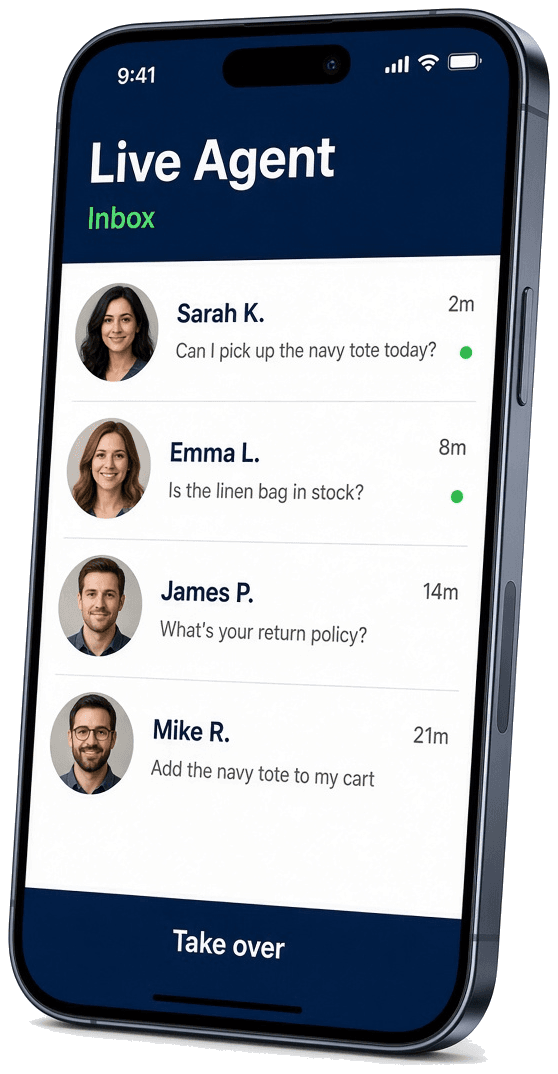
Sarah needs you
WhatsApp · just now
AI replies paused. Hand back to Zora anytime.
What you can do
Everything your team needs, away from the desk.
Zora handles the routine conversations. Live Agent keeps you in control of the ones that matter.
Unified inbox
Website, WhatsApp, Instagram, and Facebook chats in one list, updated in real time.
Instant alerts
Push notifications the moment a customer asks for a person or a sale needs attention.
One-tap takeover
Pause the AI, reply as yourself, then hand the chat back to Zora when you’re done.
Leads on the go
Hot, warm, and cold leads with intent, contact details, notes, and CSV export.
Insights
Conversations, AI resolution rate, human assists, leads, and credit usage at a glance.
Team & workspace
Invite teammates, check channel status, update knowledge, and raise support tickets.
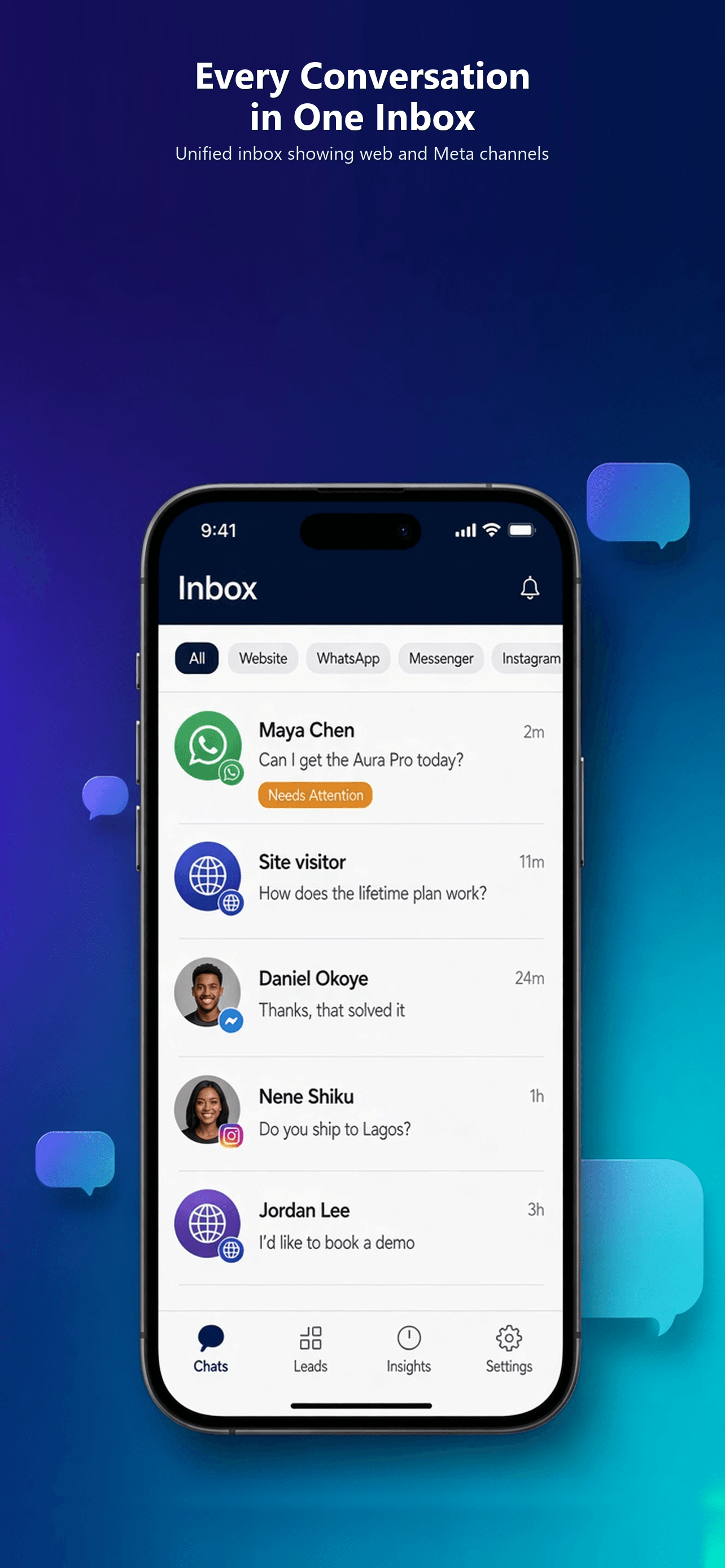
Unified inbox
Every conversation, one inbox.
Live Agent pulls website chat and Meta messaging into a single thread list. Conversations that need a human rise to the top, so you always know where to look first.
- Filter by channel: Website, WhatsApp, Facebook, or Instagram
- Filter by state: Needs attention or AI handling
- Unread-only toggle and last-activity filters (Today, Last 7 days)
- Search across customer names, emails, and message text
- Priority section for handoffs, with unread counts on every row
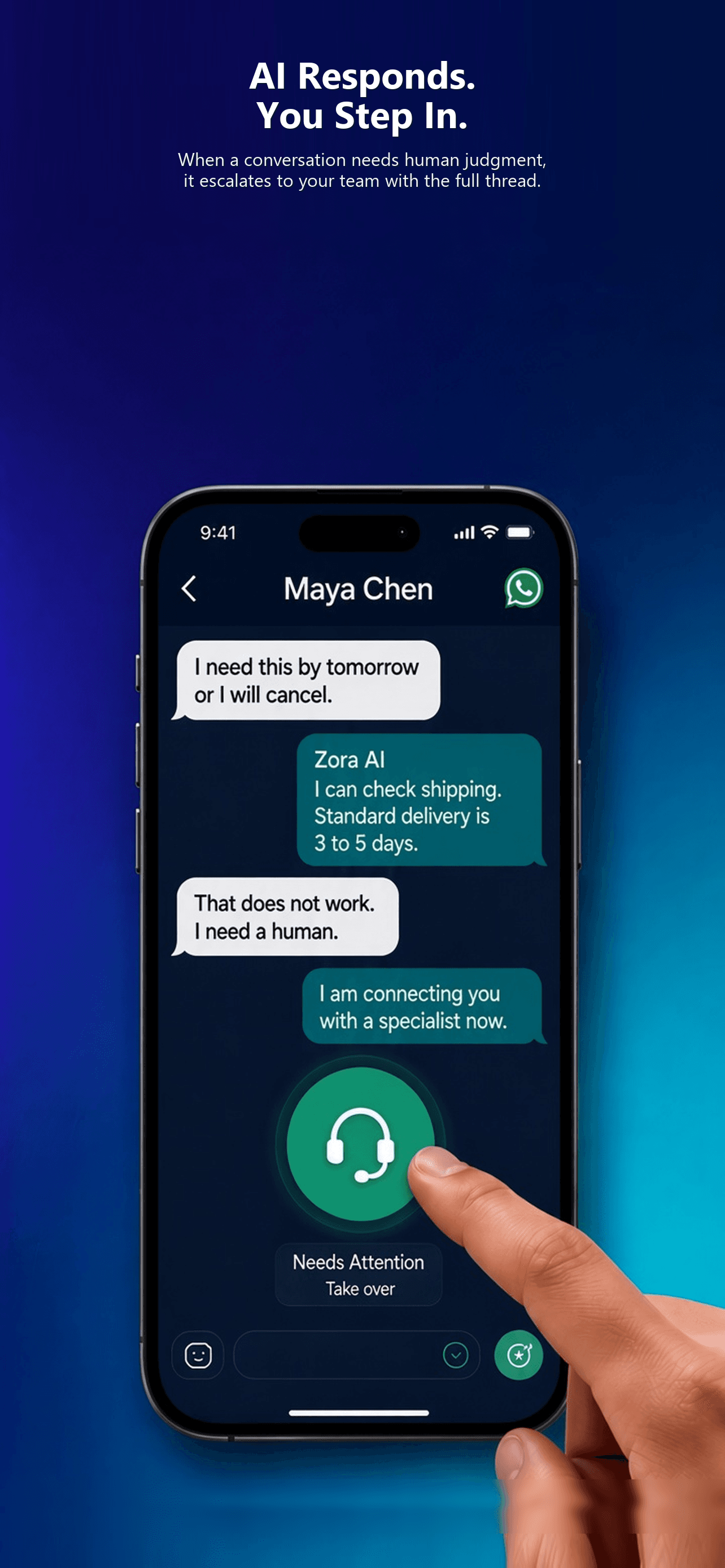
Human takeover
AI responds. You step in.
When a customer needs human judgment, Zora escalates the chat to your team with the full thread. Tap Take over and the AI pauses while you reply. The customer stays in the same chat the whole time.
- Take over pauses AI replies instantly; End handoff returns the chat to Zora
- Chat Customer restarts quiet conversations
- Send images, see when the customer is typing, and view photos full screen
- See product cards and WhatsApp order cards with an Open checkout link
- Monitoring mode when a teammate already owns the chat
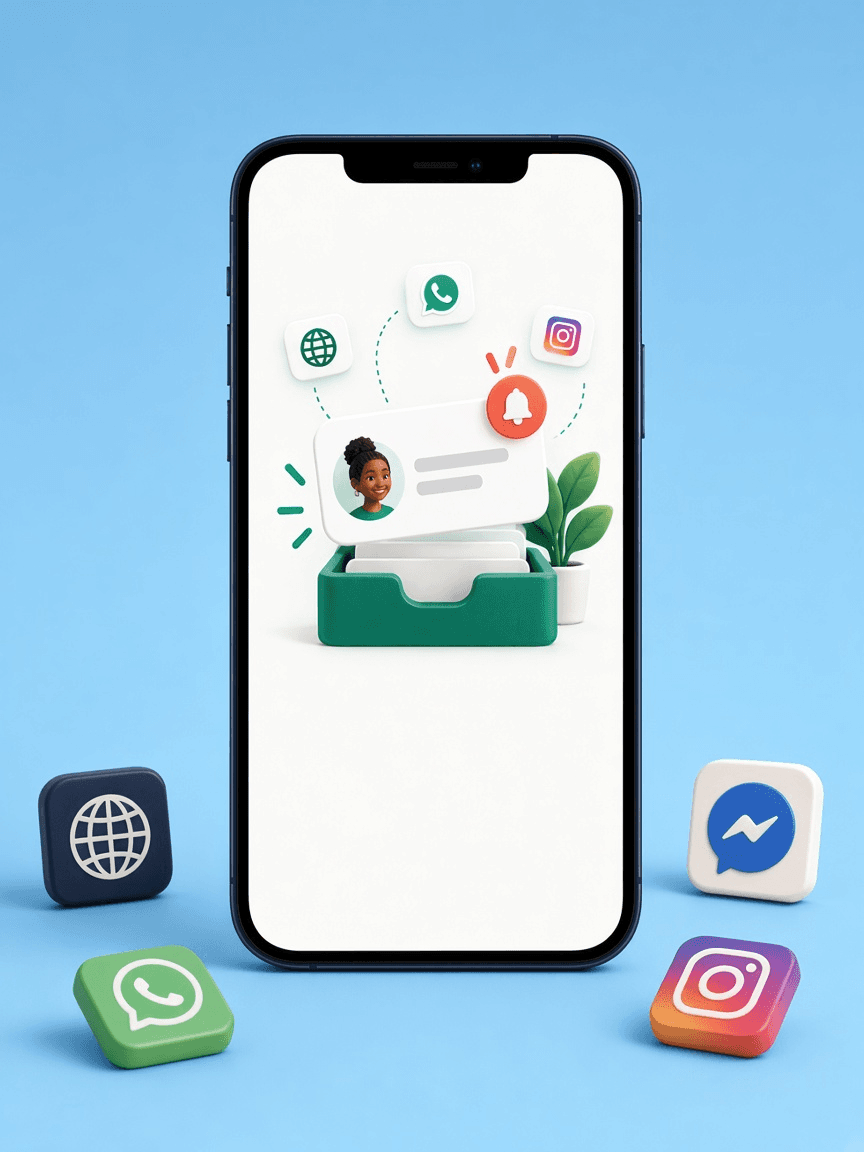
Live alerts
Never miss a customer.
Get pinged the moment someone reaches out on your website, WhatsApp, Facebook, or Instagram. Tap a notification and land straight in the right conversation, even if the app was closed.
- Push notifications for handoffs, new visitors, and commerce activity
- Alerts screen grouped by Today and This week, with unread dots
- Unread count on the bell in the top bar
- Notifications are registered per workspace, so alerts go to the right team
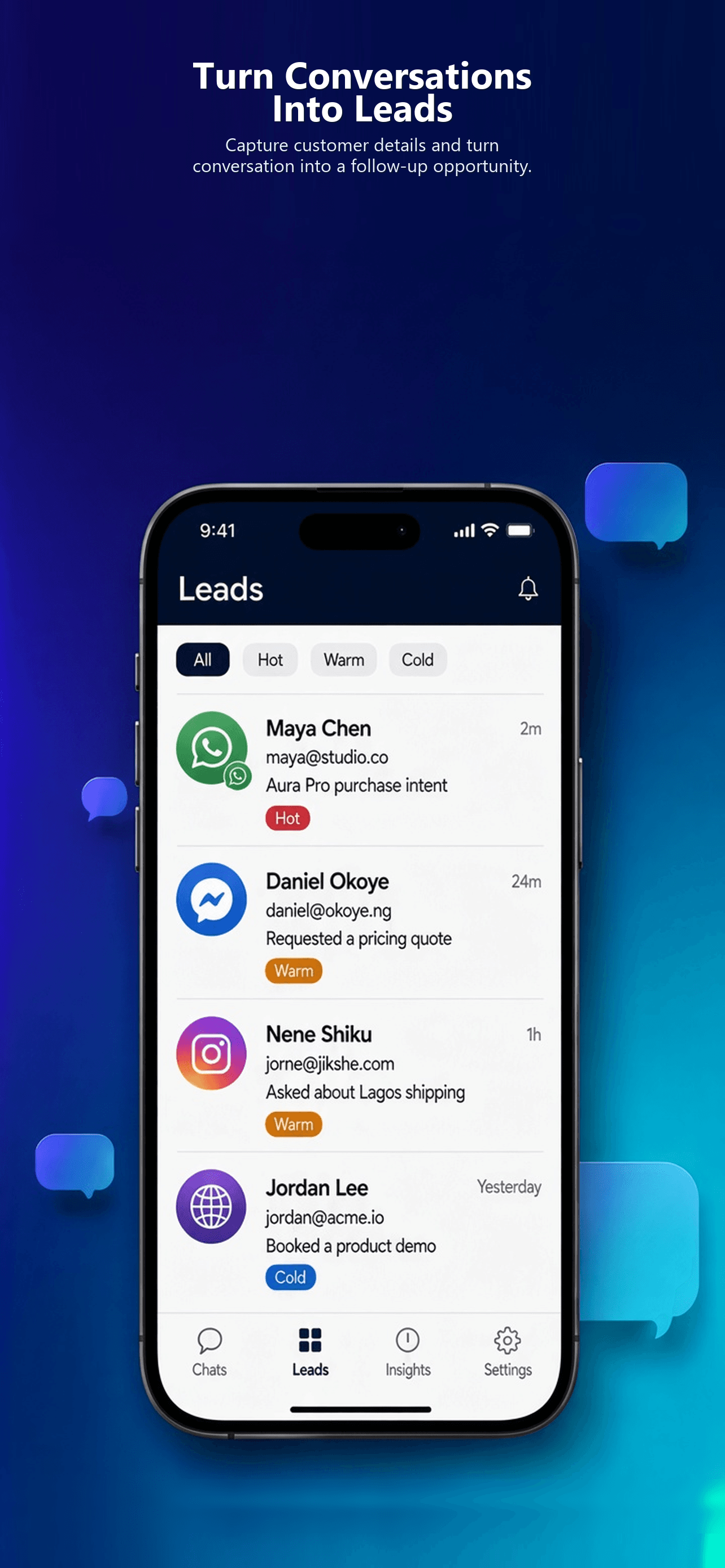
Leads
Turn conversations into leads.
Zora captures contact details and buying intent during the chat. Live Agent puts every lead in your pocket, ready for a follow-up call or email.
- Temperature filters: Hot, Warm, and Cold
- Intent filters: Purchase, Evaluation, Support, Partnership, and more
- Filter by channel and by capture date (7, 30, or 90 days)
- Tap to email or call, add internal lead notes, or jump to the full conversation
- Export leads to CSV from your phone’s share sheet
Insights
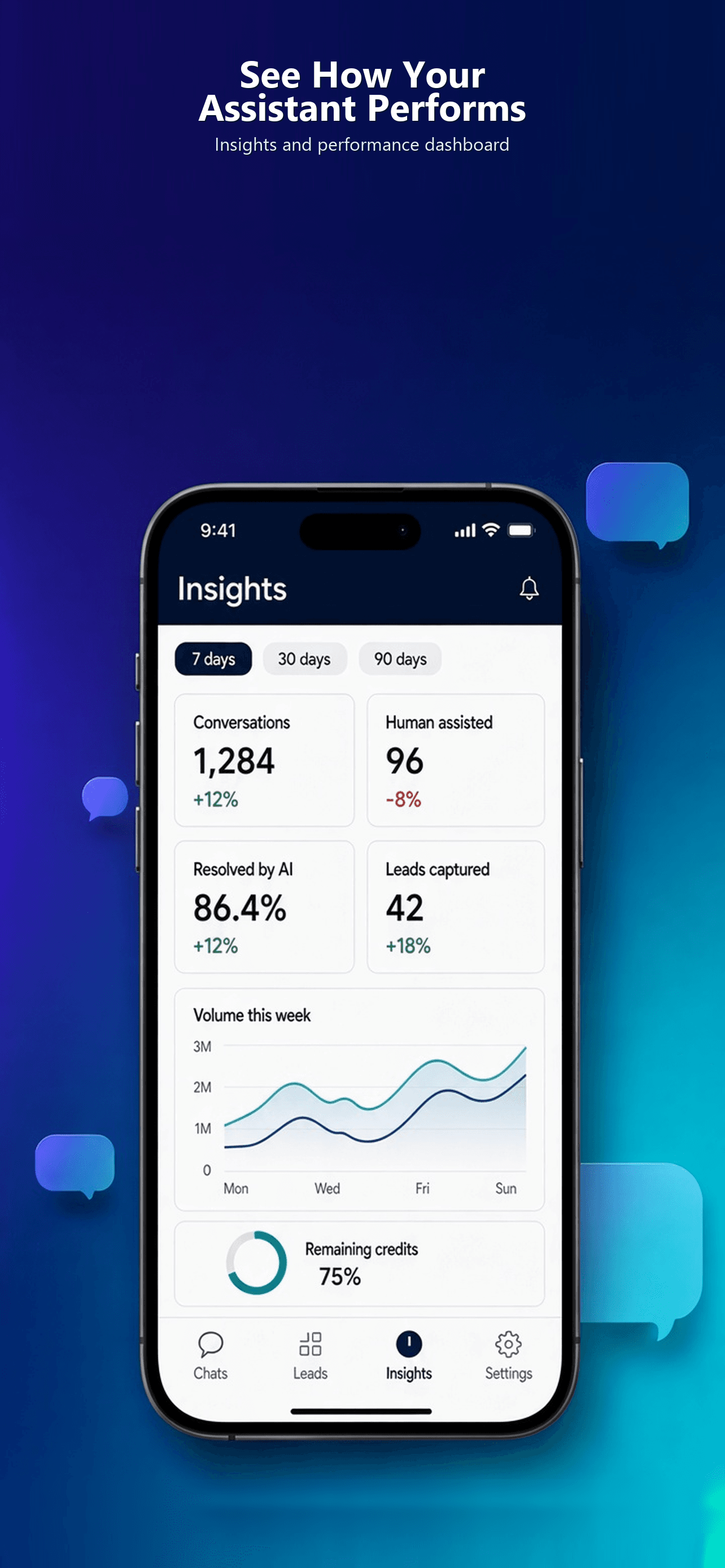
See how your assistant performs.
Track how much Zora handles on its own, how often your team steps in, and how many leads you capture. Every number comes with a trend and a comparison to the previous period.
- Switch between the last 24 hours, 7 days, and month
- Conversations, Human assisted, Resolved by AI, and Leads captured
- Usage ring with remaining credits, plan, and renewal date
- Conversation mix by channel
- Live status for Website, WhatsApp, Facebook, Instagram, and Meta commerce
Settings & workspace
Run your workspace from your phone.
Manage the team, keep Zora’s knowledge current, and get help without opening a laptop.
Team members
See every teammate’s role (Owner, Admin, Staff) and status. Admins can invite, edit, suspend, and reactivate members.
Connected channels
Check whether each channel is connected or needs action. Channels are connected from the Zorachat web dashboard.
Knowledge base
Admins on cloud workspaces can upload PDFs, resync web crawls, add products, and paste notes or FAQs.
Help & support
Open a ticket with a category, priority, and attachment, then follow replies and status updates in the app.
Light & dark mode
Pick the look that suits you. The app follows your choice across every screen.
Multiple workspaces
Run more than one business? Switch workspaces from Settings. The app remembers where you left off.
Get started
Up and running in three steps.
- 1
Download the app
Get Zorachat Live Agent free from the App Store or Google Play.
- 2
Sign in with your email
Use the email on your Zorachat workspace and enter the code we send you.
- 3
Pick a workspace
Choose your cloud or WordPress workspace, allow notifications, and you’re live.
Don’t have a workspace yet? Build your assistant
FAQ
Questions about Live Agent
How much does the Live Agent app cost?
The app is a free download. It uses your existing Zorachat workspace and plan, so there’s nothing extra to set up.
Which channels can I manage from the app?
Website chat, WhatsApp, Instagram, and Facebook. Every conversation from those channels lands in the same inbox.
Does it work with the Zorachat WordPress plugin?
Yes. Live Agent supports both Zorachat cloud workspaces and WordPress license workspaces. Sign in with the email linked to your workspace.
Can I connect new channels from my phone?
Channels are connected from the Zorachat web dashboard. The app shows each channel’s status so you can spot one that needs attention.
What happens to the AI when I take over?
AI replies pause for that conversation while you chat. When you’re done, end the handoff and Zora picks up again in the same thread.
Can my whole team use it?
Yes. Each teammate signs in with their own email. Owners and admins can invite teammates as Admin or Staff from the app.
Let Zora handle the chat. Step in when it counts.
Download Live Agent and keep every customer conversation within reach, on every channel.
New to Zorachat? Build your assistant