AI Customer Support for SaaS: A Founder’s Guide
Use AI support for SaaS product questions, onboarding, lead qualification, and first response while preserving human ownership of complex accounts.
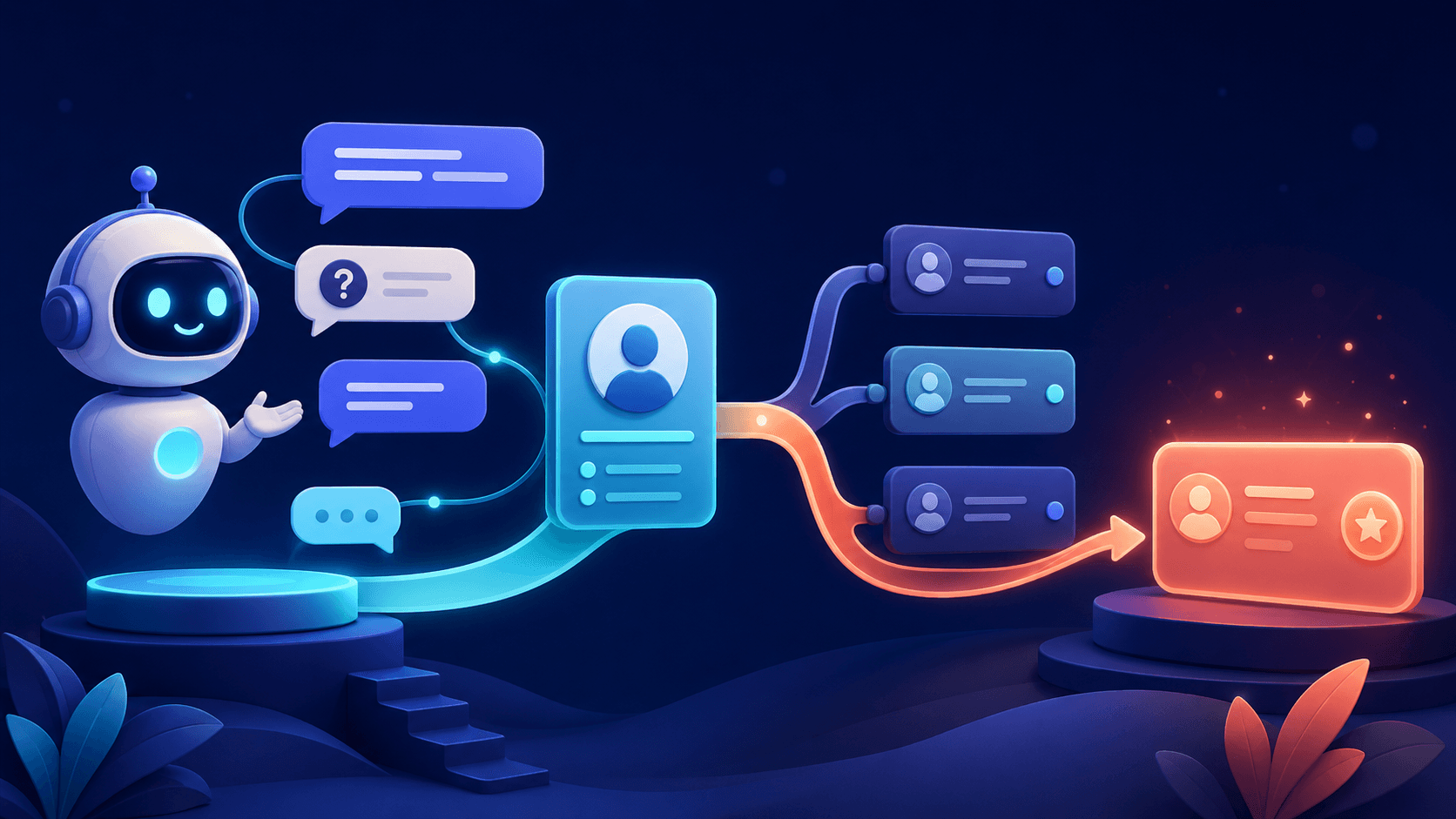
Founder-led SaaS teams often answer the same product, setup, pricing, and integration questions while also handling complex technical issues and important accounts. AI can improve the first-response layer, but product truth and account ownership must remain clear.
High-value SaaS use cases
- Answering product, plan, and feature questions from approved pages.
- Guiding users through onboarding and common setup steps.
- Explaining documented integrations and requirements.
- Capturing use case, team size, and timing from interested visitors.
- Routing technical, billing, security, and commercial questions.
Train on product truth
Use current documentation, release notes, plan definitions, onboarding guides, and approved policies. Separate public product information from private internal details. Zorachat’s knowledge feature can ground answers in URLs, documents, and FAQs.
Use AI to guide, not impersonate success
The assistant can explain setup and point to the right resource. It should not claim that an account configuration is complete unless it has approved access to verify that fact. Route account-specific or ambiguous problems to a person.
Capture product intent
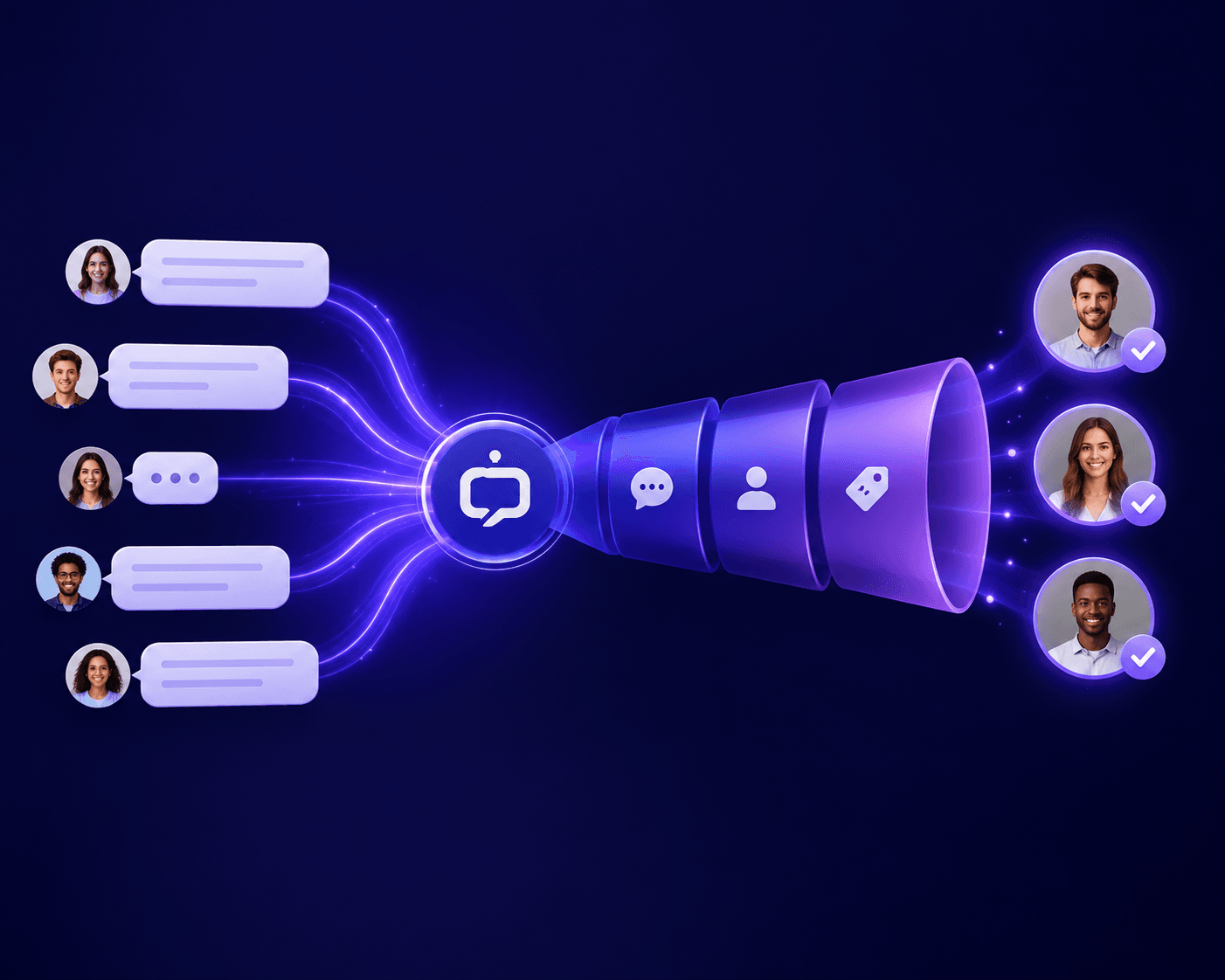
Questions about plans, integrations, migration, security, and implementation often reveal buying intent. Use conversational lead capture to record the use case and contact details after answering the immediate question.
Design technical and commercial handoff
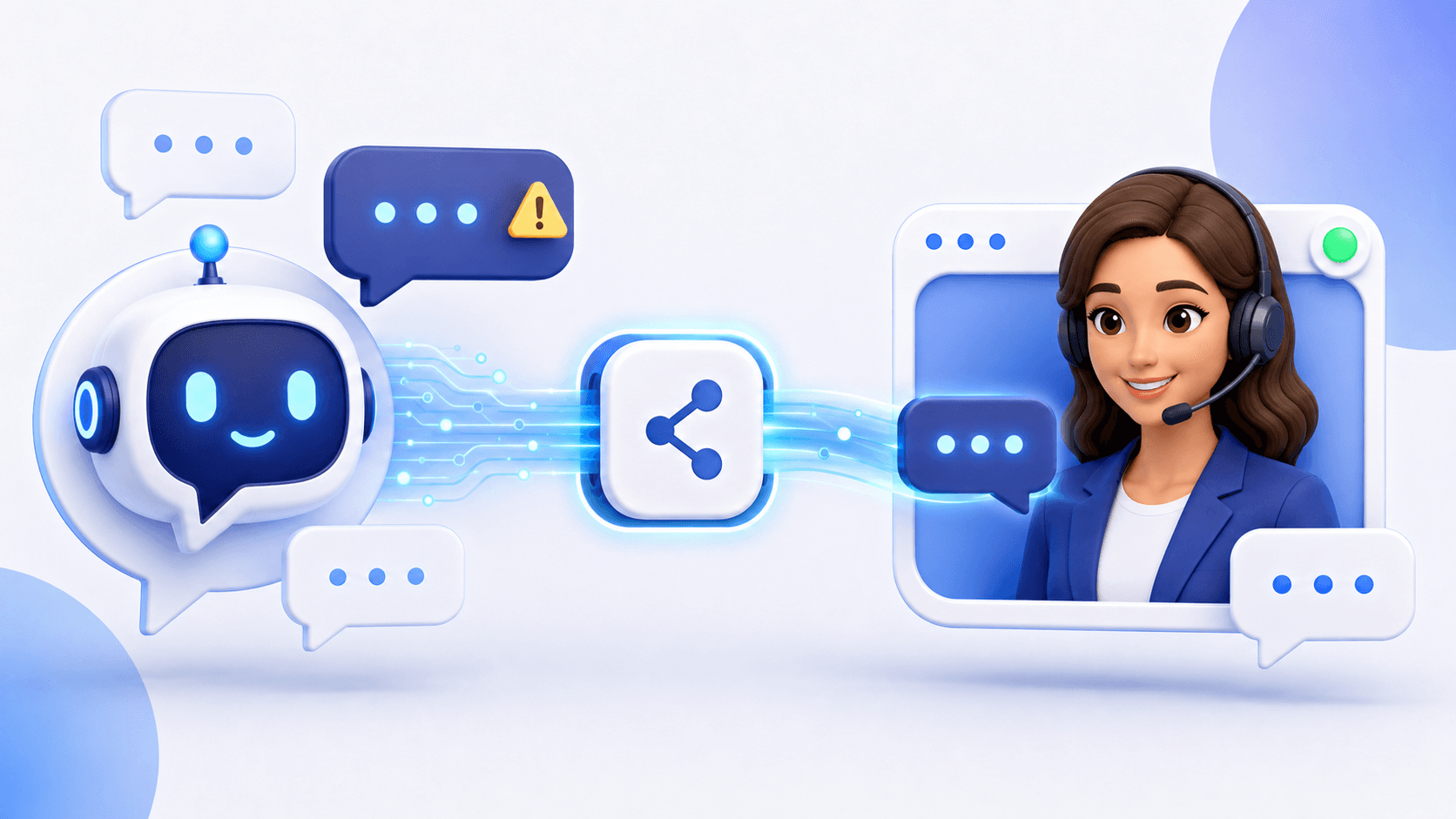
Route technical edge cases to support and commercial intent to sales or a founder. Preserve the transcript and page context through human handoff. Avoid one generic queue when different questions require different owners.
A sensible rollout
- Start with public product and documentation questions.
- Add lead capture and explicit requests for a person.
- Monitor real conversations and correct knowledge gaps.
- Expand to additional onboarding or support flows only after testing.
- Add system actions cautiously, with permissions and confirmation.
Metrics for SaaS teams
Track useful first responses, onboarding questions resolved, escalation reason, lead context captured, time to specialist response, customer feedback, and documentation gaps. Pair volume metrics with quality.
Frequently asked questions
Can AI handle technical SaaS support?
It can handle documented questions and first-line guidance. Novel bugs, account-specific problems, and uncertain diagnoses need a person.
Should the assistant access customer accounts?
Only through deliberately designed, permissioned workflows with clear confirmation and audit. Start with public knowledge if those controls are not ready.
Scale the first response without losing expertise
Use AI to make product knowledge immediately available and people to own complexity and relationships. Deploy Zorachat on your SaaS website and expand from a controlled foundation.