How to Respond to a Damaged Item Complaint in Chat
A practical chat playbook for damaged deliveries, from acknowledging the complaint and checking evidence to confirming an approved resolution.
A good damaged item complaint response acknowledges what arrived damaged, uses the details the customer already shared and explains who will check the case. Ask for the smallest missing piece of information and give an update time your team can keep. Acknowledge the problem in the first reply. Confirm a refund, replacement or delivery date only after the person responsible has checked and approved it.
This playbook is for small retail teams handling reports in website chat, WhatsApp, Instagram or Facebook Messenger. The examples use fictional orders. Adapt the wording to your actual processes and the circumstances of each purchase.
Start with the item and the next action
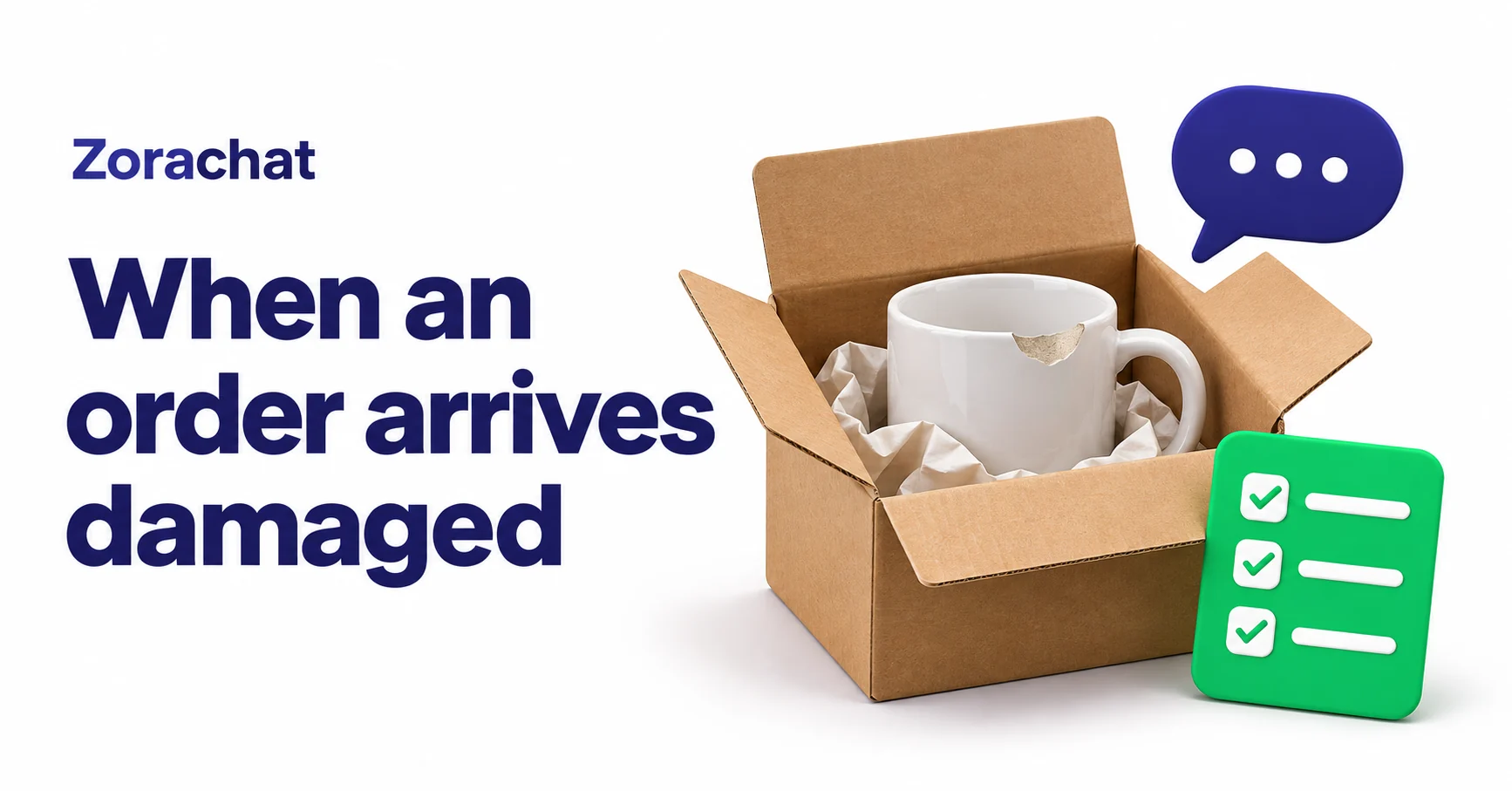
Read the whole message before opening a template. A customer who writes “One of the mugs is chipped” is telling you which part of the order failed. A reply about the entire parcel can send the investigation in the wrong direction. If the customer has also explained that it was a gift for Saturday, keep that deadline in view when you check the available options.
“I’m sorry one of the mugs arrived chipped. I can see the photo you sent. Could you share your order reference here so we can find the purchase and check what we can do for the affected mug?”
This reply fits a private conversation where the photo is already present and the order reference is missing. If the reference is already available, use it. If the customer starts in a public comment, acknowledge the issue there and direct them to your approved private support channel before asking for order details.
Ask for evidence that changes the decision
Make a short list of what the reviewer needs to answer the next question. Start with the item, the affected quantity and a way to find the purchase. Check your own records before asking the customer to supply a detail your team can look up. Use your normal verification process before sharing order information.
- Several items in one parcel. Confirm which item and how many units are affected. Keep the usable items separate in the case notes.
- Damage visible in an existing photo. Use what is already visible. Ask for another view only when it helps the reviewer answer a specific question.
- No photo available. Record the description and explain how the team will review the report. Provide a way forward for someone who cannot supply an image.
- Possible injury or product hazard. Route the conversation to the person responsible for safety. Avoid asking the customer to handle a damaged item for a better picture.
Keep payment details and unnecessary personal information out of chat. If a packaging photo would help, explain what you need to see and ask the customer to avoid including the address label. A photo can show a chip or a crushed corner. It rarely tells the whole story of when the damage occurred.
Keep the customer’s resolution separate from the investigation
Your team may need to investigate packaging, stock or a delivery partner. Give that work a separate owner when possible. The person replying to the customer should still know what can be confirmed now and what the next update will contain.
Check the available remedies against the circumstances of the order, your policy and applicable consumer rights. UK businesses can consult the official guidance on returns, refunds and faulty goods. Read the GOV.UK returns and refunds guidance.
When a decision is pending, tell the customer what your team is checking. If the deadline matters, make it an update deadline your team can meet. “I’ll update you by 3 p.m. tomorrow” commits to a message. “You’ll have the replacement tomorrow” commits to a delivery. Check the stock, fulfilment and delivery arrangements before making the second commitment.
Pass the case with enough context to act
A useful handoff gives the reviewer a short route from the original thread to the open decision. Record the order reference, affected item and quantity, evidence already supplied, what the customer is asking for, and any promised update. Give a named teammate responsibility for checking and replying.
“Order reference confirmed. One of two mugs reported chipped. Photo already in the WhatsApp thread. Customer asks whether another can arrive before Saturday. Check replacement availability and delivery options. Priya owns the reply by 3 p.m. Thursday. No remedy or delivery date has been confirmed.”
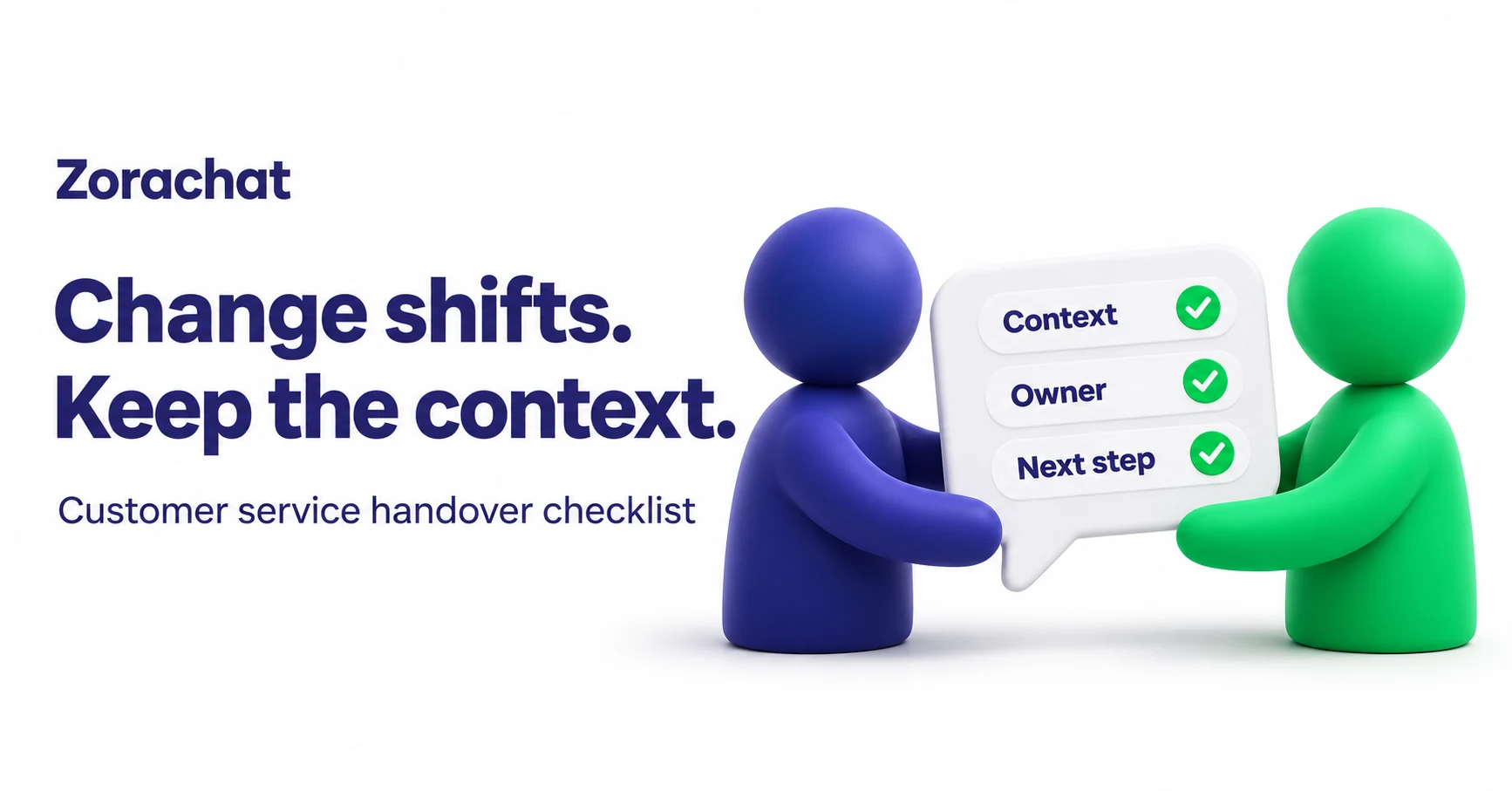
For a team that changes coverage during the day, use the same record at shift change. The next teammate should be able to see the promise and send the update without asking the customer to tell the story again. Use the shift handover checklist.
Send the decision and the next practical step
When the reviewer has made a decision, state the approved action, identify the affected item and explain what happens next. If a replacement has been approved but is still awaiting dispatch, say so. If the customer needs to do something, include that instruction in the same message. Keep the delivery estimate tied to the information you can verify.
“We’ve approved a replacement for the chipped mug. The warehouse has reserved one and will confirm when it dispatches. I’ll send the tracking link once it’s available. If the dispatch timing changes, I’ll update you here.”
Use this example only when the approvals and reservation are real. Keep the case open until your promised action is complete or responsibility has been explicitly transferred. If the same item appears in several complaints, give the warehouse or product owner a separate task to review the packaging and stock.
Give the assistant a clear role
Use AI to acknowledge the report and explain your approved intake process. Have a teammate verify the order, assess the evidence and decide the remedy. Test what happens when the customer has already sent a photo, cannot provide one, asks for a person or mentions a potential hazard. A useful test checks whether the conversation reaches the right person with the information already shared. See examples of chatbot escalation rules.
Zorachat offers image-aware replies and human takeover with conversation history. Your team can use those capabilities to review what the customer sent and continue the conversation. The order check and remedy decision belong with the people authorised to make them. Set up Zorachat for your support team.