Strategy & ROI
Website Chatbot Launch Checklist
Use this launch checklist to verify knowledge, design, handoff, privacy, accessibility, analytics, mobile behavior, and post-launch ownership.
The Zorachat Team4 min read
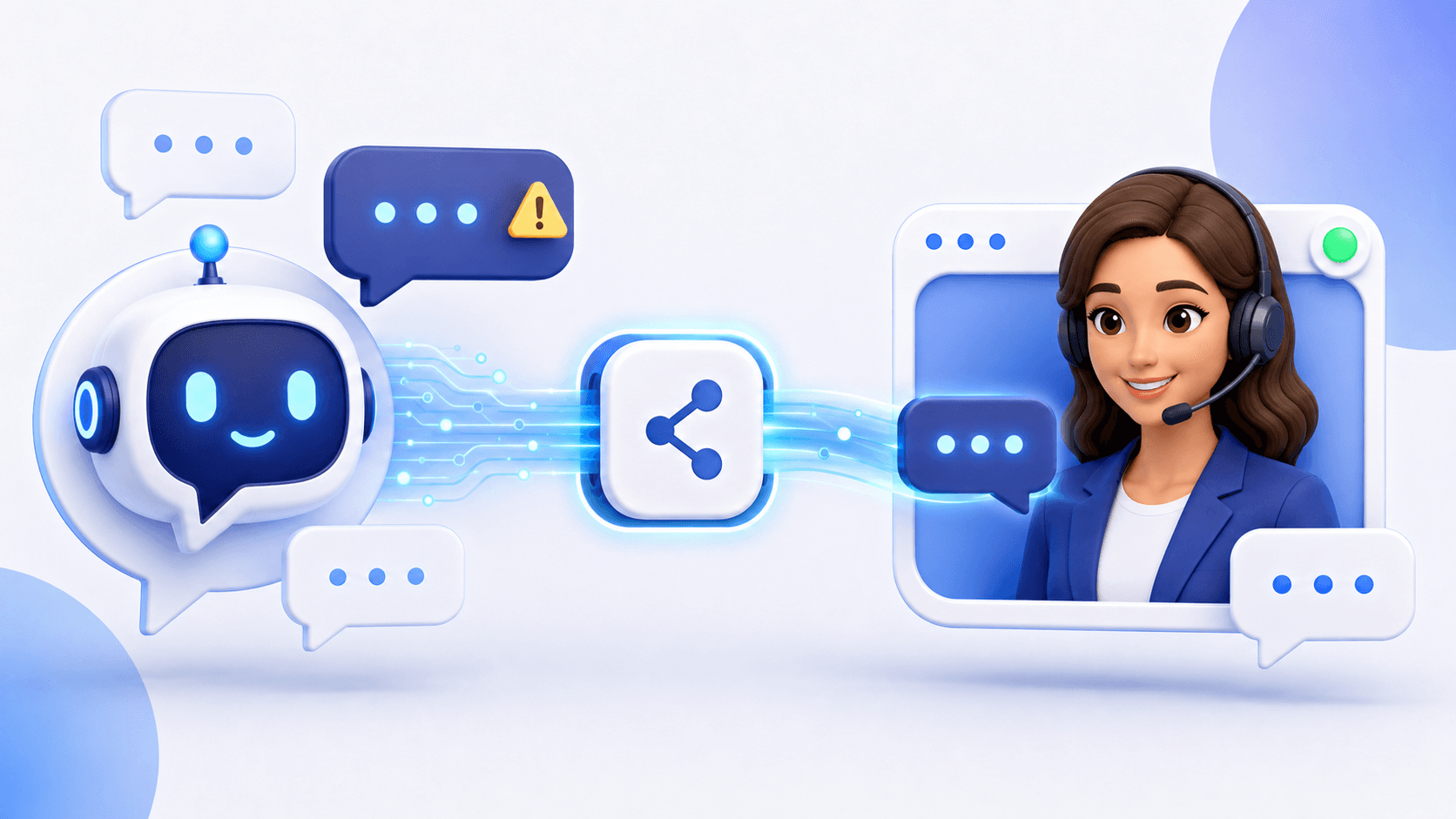
A chatbot launch is a customer-experience release. Treat it like one: define the role, test the knowledge, verify the escape route, review privacy, measure outcomes, and assign an owner after deployment.
Strategy and ownership
- Define the questions and outcomes the assistant owns.
- Name the person responsible for knowledge and quality.
- Document topics or actions the assistant must not handle alone.
- Set staffed hours and offline expectations.
- Choose initial success and safety metrics.
Knowledge readiness
- Remove outdated and conflicting pages.
- Identify authoritative sources for products and policies.
- Test common, ambiguous, and unsupported questions.
- Verify that the assistant admits uncertainty appropriately.
- Follow the complete knowledge-training process.
Conversation design
- Disclose that visitors are interacting with an AI assistant.
- Use a clear greeting and realistic capability statement.
- Ask only necessary qualification and contact questions.
- Explain why information is being requested.
- Configure a helpful fallback rather than a loop.
Human handoff and offline behavior
- Test an explicit request for a person.
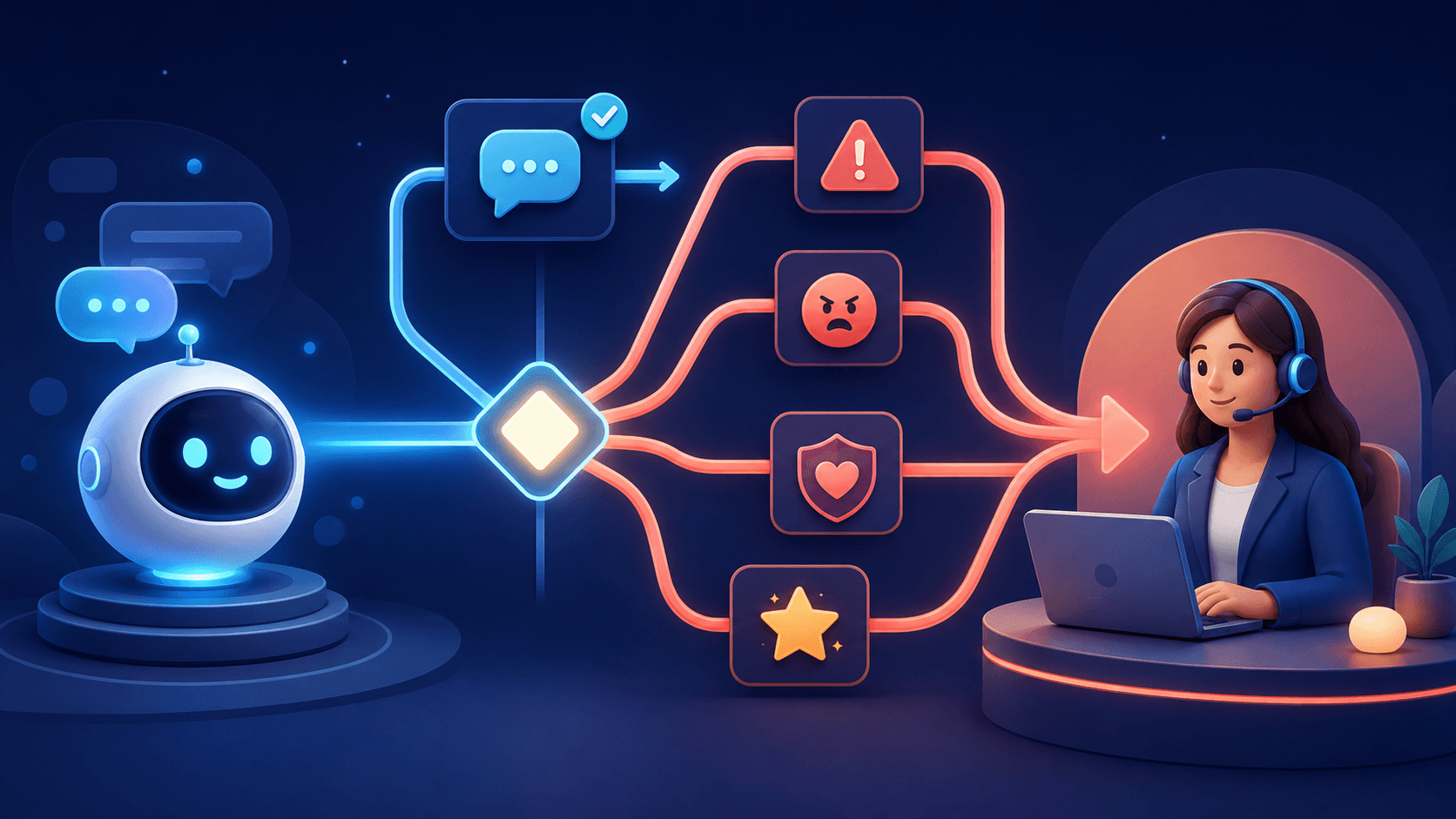
- Test uncertainty, frustration, and sensitive topics.
- Confirm routing to the Live Agent inbox on web, iOS, and Android.
- Verify the transcript and customer context reach the agent.
- Use lead capture when nobody is available.
Technical and accessibility checks
- Test desktop and mobile layouts.
- Check keyboard navigation, focus, labels, and contrast.
- Confirm the launcher does not cover important controls.
- Review page performance before and after installation.
- Test on important landing, product, cart, and checkout pages.
Privacy and security checks
- Update privacy disclosures as required.
- Avoid collecting data the workflow does not need.
- Confirm data access, retention, and deletion processes.
- Restrict sensitive actions and internal information.
- Review applicable legal or industry requirements with qualified counsel.
Analytics and post-launch review
- Track starts, useful answers, lead capture, handoffs, and outcomes.
- Monitor conversations closely during the first week.
- Record content gaps and failed routing.
- Schedule knowledge and rule updates.
- Compare customer feedback with automation metrics.
Frequently asked questions
How long should a chatbot remain in testing?
Long enough to cover representative questions, failure modes, handoff, mobile behavior, and team operations. Complexity matters more than a fixed number of days.
Should the chatbot launch on every page?
Not automatically. Begin where the use case is clear, then expand after testing placement and conversation quality.
Launch with an owner and a feedback loop
Zorachat supports fast deployment, but responsible launch still requires testing. Deploy for free when your checklist is ready.
LaunchChecklistQuality assuranceImplementation