How to Train an AI Chatbot on Your Website and Documents
Create a trustworthy knowledge base by selecting authoritative sources, cleaning contradictions, testing real questions, and maintaining a refresh process.
Training an AI chatbot is mostly a content-governance problem. The assistant needs authoritative information, clear boundaries, realistic tests, and a process for keeping sources current. Uploading everything without review can reproduce contradictions faster.
1. Inventory the questions and sources
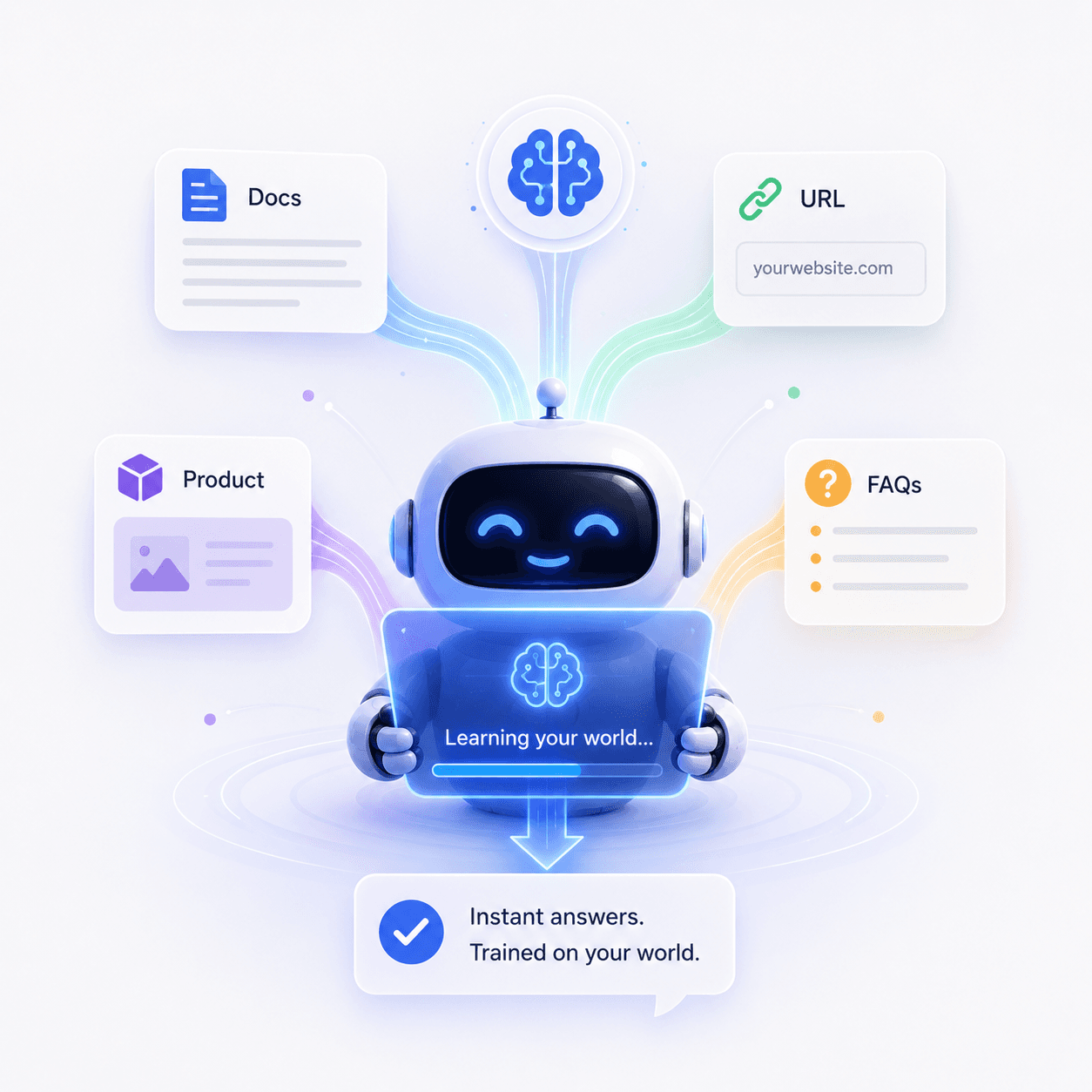
List the questions visitors actually ask, then identify the source that should answer each one. Typical sources include product pages, help documentation, policies, FAQs, onboarding guides, and approved internal documents.
2. Choose one source of truth
When two pages disagree about price, limits, availability, or policy, decide which one is authoritative before training. Remove expired promotions and duplicate articles. Zorachat can learn from URLs, documents, and FAQs through training on your business content, but the business remains responsible for source quality.
3. Structure content for retrieval
- Use descriptive headings that reflect customer questions.
- Keep one main idea per section.
- State the answer before long background information.
- Use lists and tables for policies, requirements, and options.
- Define terms and exceptions clearly.
4. Define what the assistant must not infer
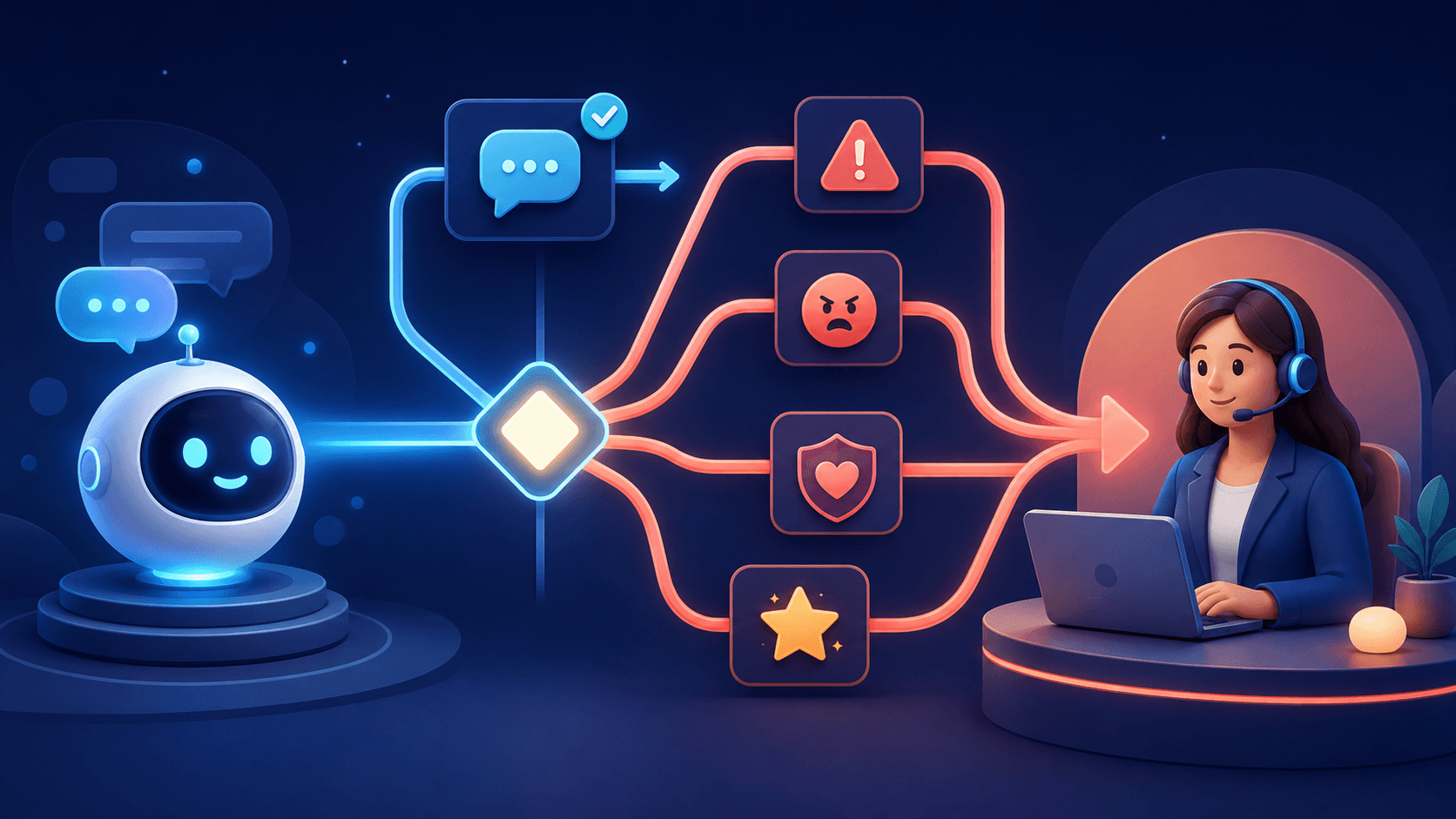
Identify sensitive decisions, unsupported topics, and actions requiring authorization. Configure a safe response and human handoff instead of encouraging the assistant to guess.
5. Build a real test set
Use common questions, alternative phrasings, incomplete requests, misleading assumptions, and questions with no approved answer. Record whether each response is correct, incomplete, unsupported, or routed appropriately.
6. Monitor the first conversations
Automated tests cannot predict every visitor. Use live monitoring to identify confusing content, missed intent, and unnecessary handoffs during launch.
7. Maintain a refresh process
Assign owners to product, policy, and support content. Review changes before they become training sources. Turn repeated unresolved questions into documentation work, then retest the assistant after updating knowledge.
Frequently asked questions
Should we upload every company document?
No. Include only content that is appropriate, current, and useful for the assistant’s role. Exclude confidential or irrelevant material.
How often should sources be refreshed?
Refresh them whenever the underlying business information changes, and use conversation reviews to identify additional gaps.
Treat knowledge as a product
A reliable assistant is built on managed information. Use the next guide to improve chatbot accuracy, or train Zorachat on your content.