How to Use the Same AI Assistant on Your Website and WhatsApp
How to use the same AI assistant on your website and WhatsApp so shoppers get one set of answers and you get one inbox.
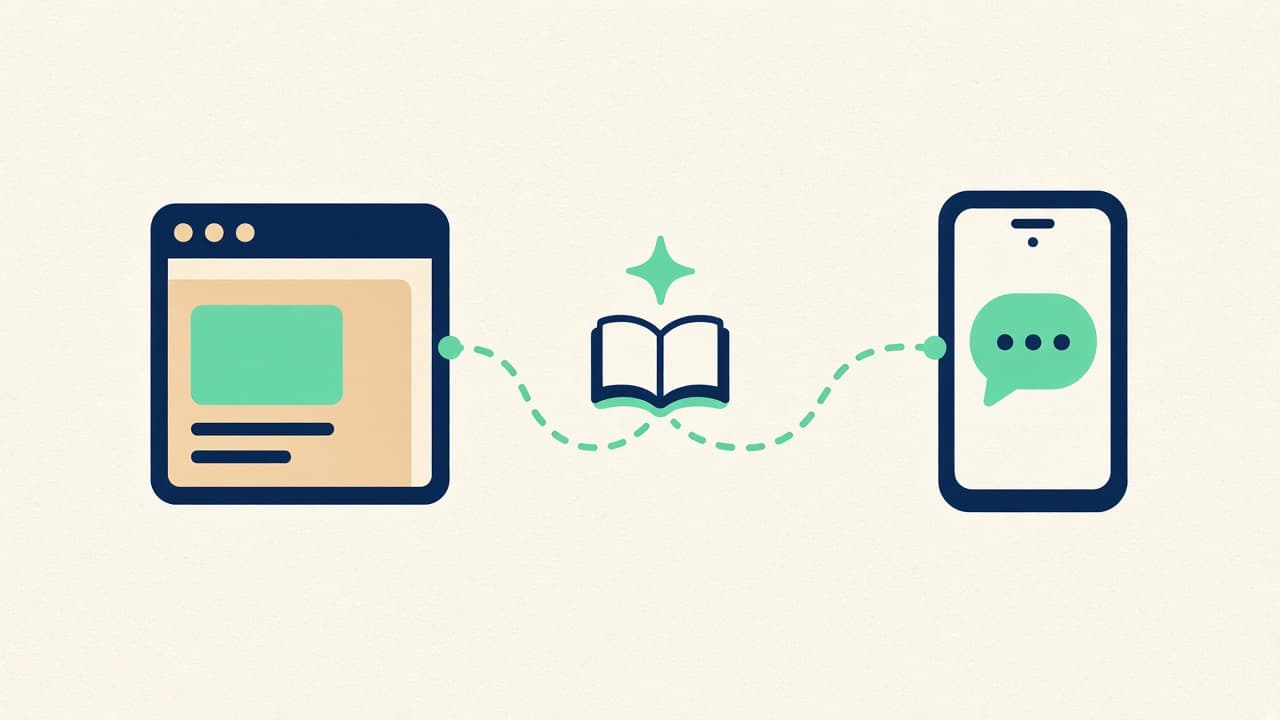
A website chatbot and WhatsApp should be one assistant. Many sites show a chat bubble and, in the footer, a separate WhatsApp button. Visitors treat them as the same company. The widget says delivery takes three days. Whoever has the phone says “we’ll try for this week.” Here is how to connect both to the same brain.
1. Put the assistant on the website first
Install the widget where people are already shopping. On WordPress, follow how to add an AI chatbot to WordPress. Train it on the pages and policies a shopper would read. Confirm the ten common questions before you add a second door.
2. Connect WhatsApp Business to that same assistant
Link the number customers already save. Do not start a second knowledge base for WhatsApp. Product, shipping, and returns questions should resolve to the same sources. The channel-specific sales steps are in how to use WhatsApp Business for sales and customer support.
3. Recommend from one catalog
WooCommerce questions about stock, variants, and shipping should come from the catalog, not from a script someone pasted into WhatsApp. Recommend the product in either place and send the shopper to your checkout. You get paid through your usual processor.
4. Ask one question in both places
Send “how long is delivery?” to the widget and to WhatsApp. The facts should match. If they do not, fix the source document. Then try a product question. A shopper who starts on a product page and later writes on WhatsApp should not have to teach you your own product.
5. Read both in one inbox
Website threads and WhatsApp threads both land in Live Agent. Reply in the unified inbox. Instagram and Facebook can join that list when the site and WhatsApp already agree. You do not need them on day one.
Frequently asked questions
Should the website widget and WhatsApp share a conversation?
They share the assistant, the catalog, and your inbox. Each visit stays its own thread. If someone writes on the site and later on WhatsApp, you open the thread they used and answer with the same knowledge.
Can I keep a click-to-chat WhatsApp button as well?
Yes, if that button reaches the WhatsApp Business account you connected. What you should retire is answering that number from a personal chat that the assistant cannot see.
Make the site and WhatsApp agree
Deploy the assistant on the site, connect WhatsApp Business, and run the same question through both before you send traffic to either one.