How to Set Up a Unified Inbox for WhatsApp, Instagram, and Facebook
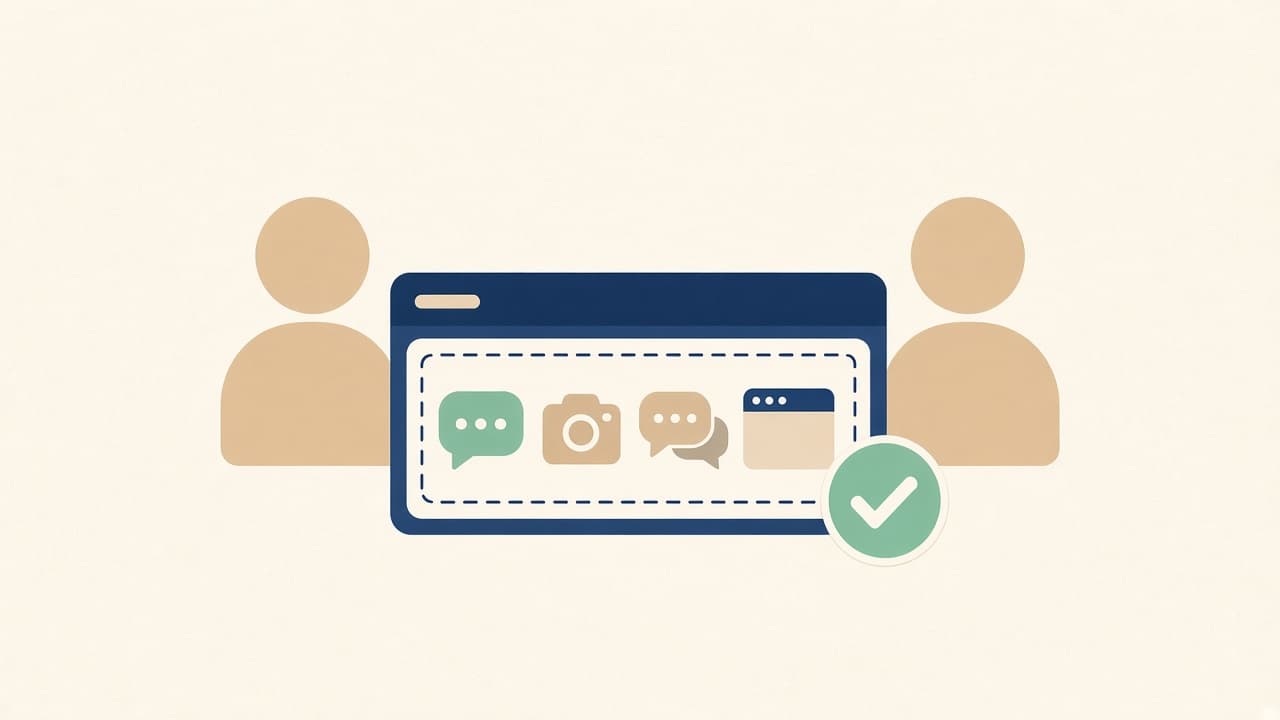
How to set up a unified inbox so WhatsApp, Instagram, Facebook, and website chats land in one workspace your team can actually watch.
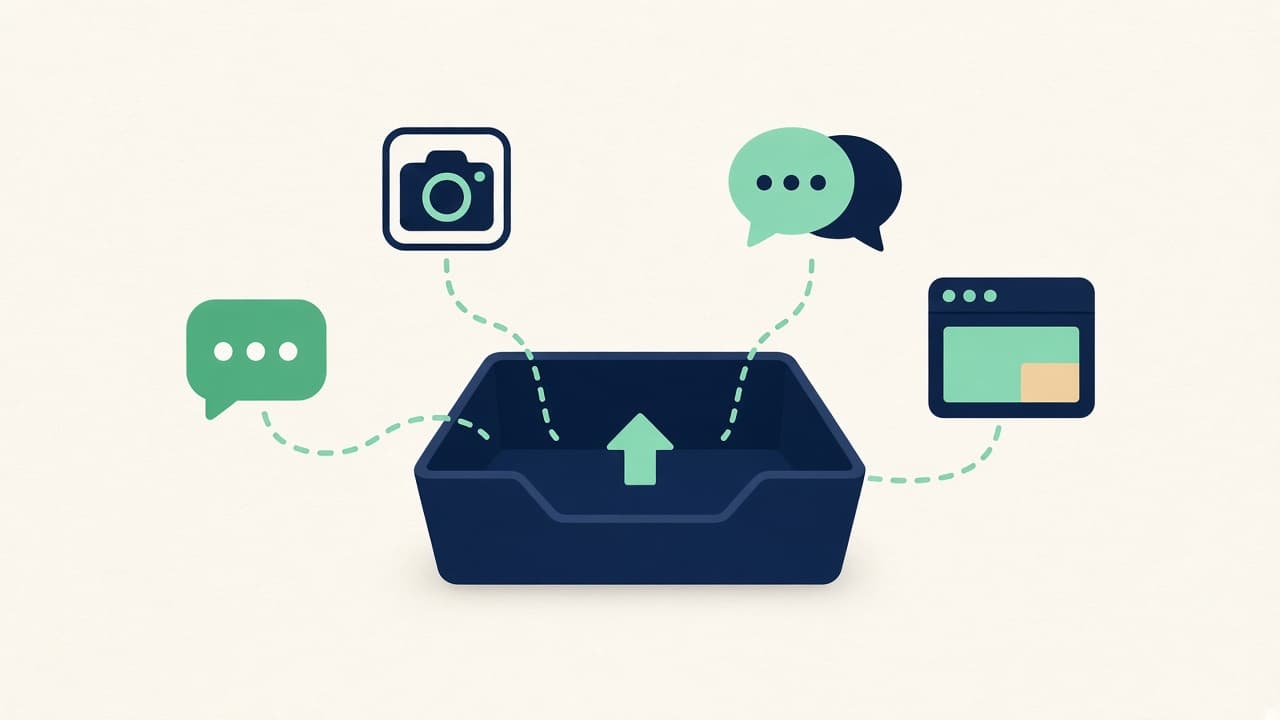
A unified inbox is the workspace where WhatsApp Business, Instagram, Facebook Messenger, and your website chat show up in one list. Customers keep writing in the app they already use. Your team stops opening four products to find out who is waiting. This is how to set one up.
What you need before you connect anything
- The WhatsApp Business account customers already message.
- The Instagram account and Facebook Page where DMs and Messenger actually arrive.
- The website the chat widget should sit on.
- A short list of answers you trust: hours, delivery, products, and the questions a person must handle.
1. Connect every channel to the same assistant
Connect WhatsApp Business, Instagram, Facebook Messenger, and the website widget to one Zorachat assistant. It uses one knowledge base and one catalog, so a delivery answer on Instagram matches the delivery answer on your site. Add the busiest channel first, read a few live replies, then turn on the rest. The setup lives under omnichannel.
2. Open Live Agent and confirm each thread
Live Agent is the unified inbox, on the web and in the iOS and Android apps. Send yourself a test message on each channel. Each one should appear as its own thread, with the channel labeled beside it. A WhatsApp chat stays a WhatsApp chat. An Instagram DM stays an Instagram DM. The inbox gathers them. It does not merge a customer’s WhatsApp and Instagram into a single conversation.
3. Let the assistant clear the routine queue
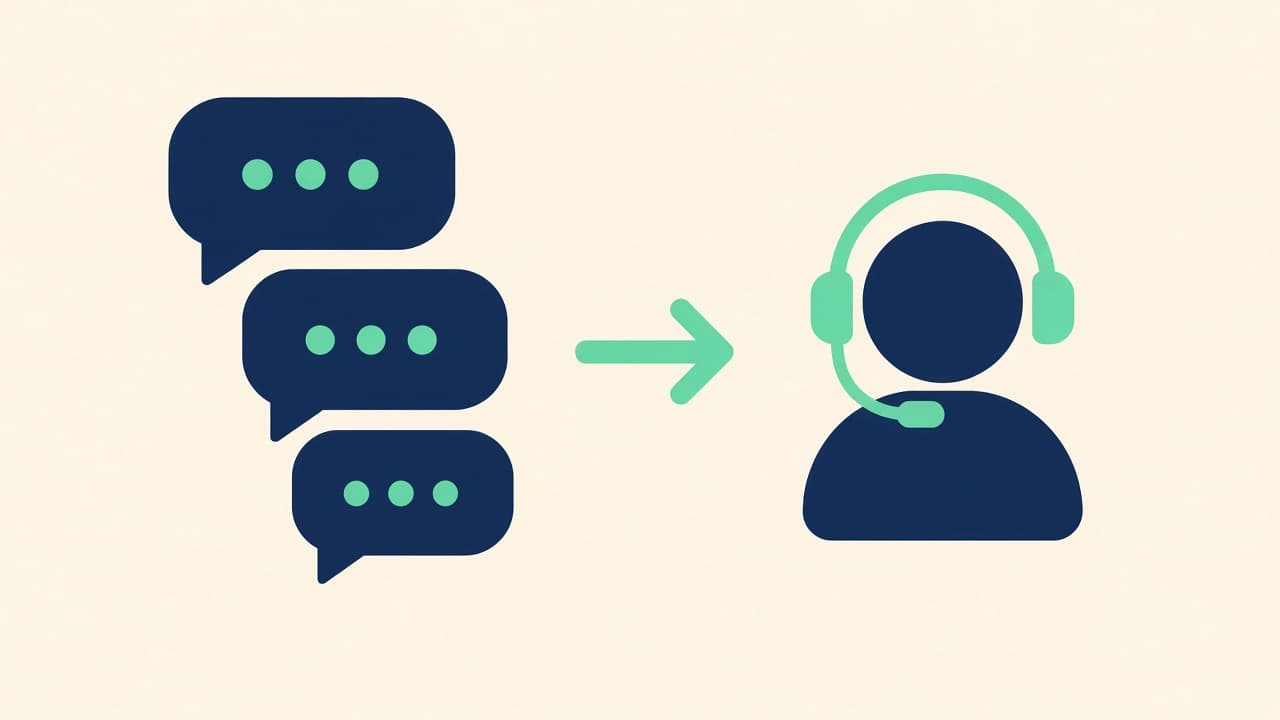
Hours, product details, and the link to buy can be answered without you. Step in when the message needs judgment: a custom order, a complaint, or a price you want to set yourself. Handoff keeps the transcript, so you join the thread the customer already started.
4. Watch one queue, not four apps
Live monitoring lets you read a conversation while the assistant is still in it and take over before the customer goes quiet. Put both people on a small team in that same inbox. Retire the habit of leaving WhatsApp on one personal phone.
Frequently asked questions
Do customers have to move to my website to get an answer?
They stay on WhatsApp, Instagram, Facebook, or your site. You reply from Live Agent, and the message goes back to the app they used.
Will messages from the same person on two apps become one thread?
Each channel keeps its own thread. Your team still shares one assistant, one catalog, and one place to work. Open the thread you are joining and the history of that thread is there.
Start with the channel that is already loud
Connect it, confirm the inbox, then add the others. A two-person version of this setup is in how to run omnichannel support with a small team. When the answers are ready, build the assistant and open the inbox.