How to Show a Product Card in an Instagram DM
How to show a product card in an Instagram DM so a shopper sees the photo and price in the thread and checks out on your site.
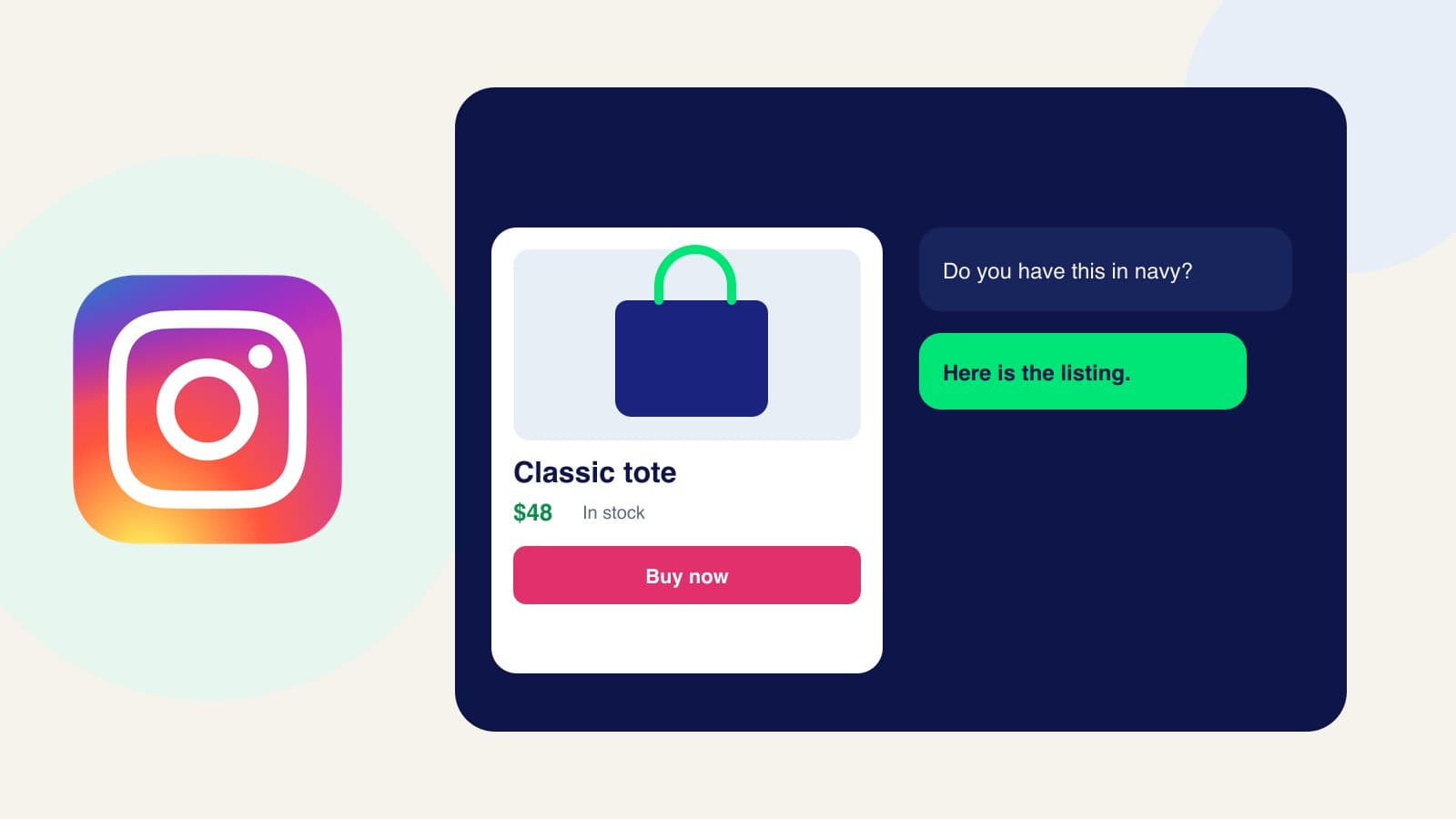
An Instagram DM product card is the listing that appears after someone asks about a post: the photo, the name, and the price, inside the direct message. The caption started the interest. The card is how they move from “is the blue one still in stock?” to your checkout. Here is how to show it.
1. Put the posted product in the catalog
Add the item people ask about in DMs: title, description, price, photo, and the checkout URL on your website. Use the photo you are willing to show in the thread. If the post and the catalog disagree on price, the card will repeat the catalog, so fix the catalog first.
2. Sync that product to Meta
Instagram shows the native card from Meta Commerce Manager. Connect the catalog in Zorachat and confirm the product synced. This is the same catalog as WhatsApp and Facebook. Meta catalog sync is the one connection. You do not upload the product again inside Instagram for the assistant to send it.
3. Connect the Instagram account that receives the DMs
Connect the account on the posts, not a spare profile. The assistant should already know the products you are publishing. The reply path is the same one in how to reply to Instagram DMs, with the card as the buying step.
4. Send the card in the DM
When a shopper asks if they can buy the item, sales assistance answers and sends the product card in that DM. The card can offer Buy now. Tapping it opens your website, where they pay with your processor. The sale is completed on your store.
5. Keep the thread in the inbox
The DM, including the card you sent, stays in Live Agent with WhatsApp, Messenger, and the website. If they want a different size or a bulk price, you join that same thread. You are not rebuilding the offer in the Instagram app.
Frequently asked questions
Does the shopper check out inside Instagram?
They check out on your website. The product card in the DM is the listing. The checkout URL on the product is the page that takes payment.
Can I show more than one product?
Yes. If the question matches several items, the assistant can offer more than one card. Start by testing the single product you are asked about most, then add the rest of the line.
Match the card to the post
Sync the product, connect Instagram, and send yourself a DM that asks for it by name. Then use the same catalog on Messenger, as in how to show a product card on Facebook Messenger.