What Is a Meta Catalog?
A Meta catalog is the product list Facebook, Instagram, and WhatsApp use for shops, tags, ads, and product messages. Here is what each item needs.
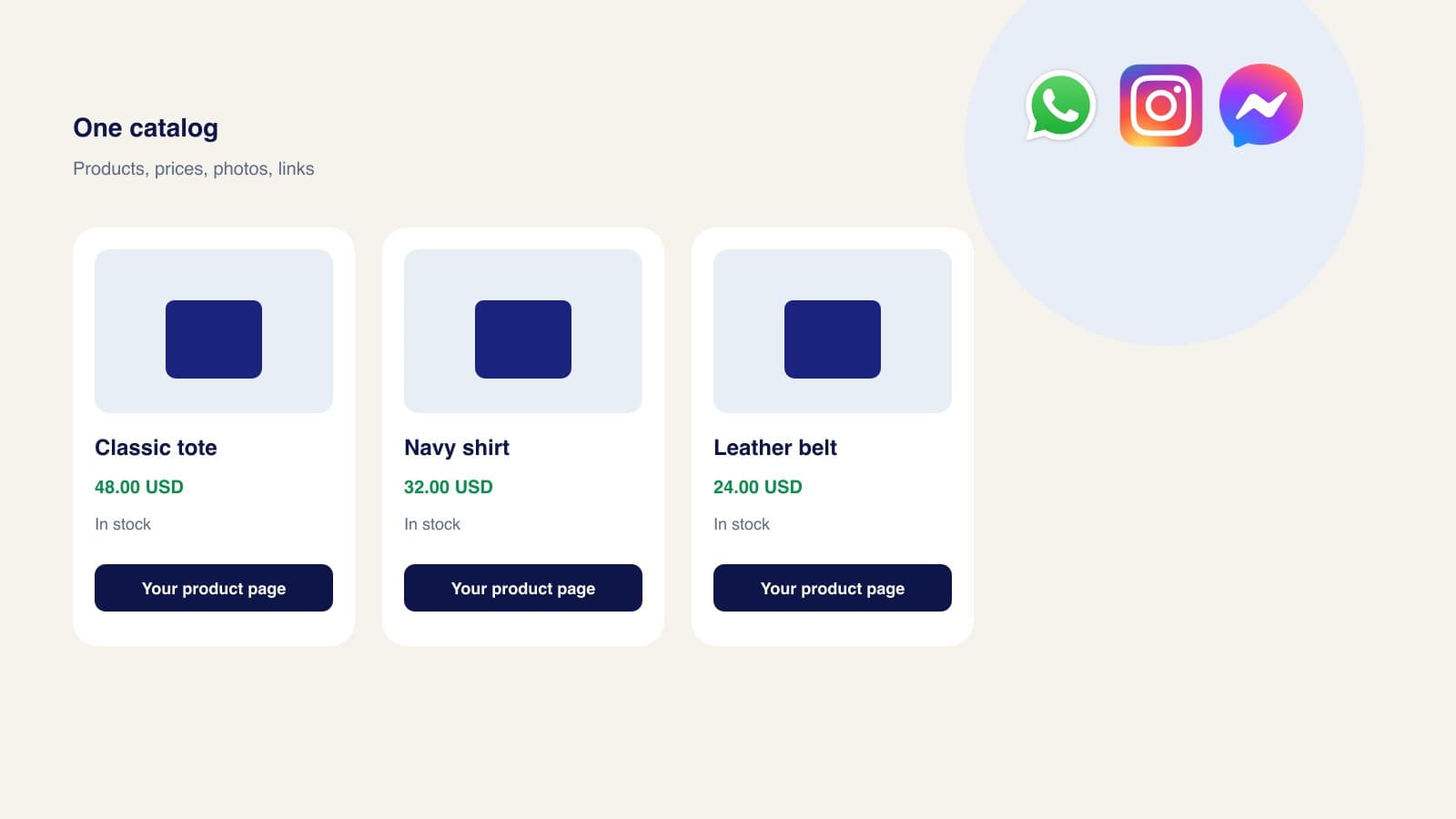
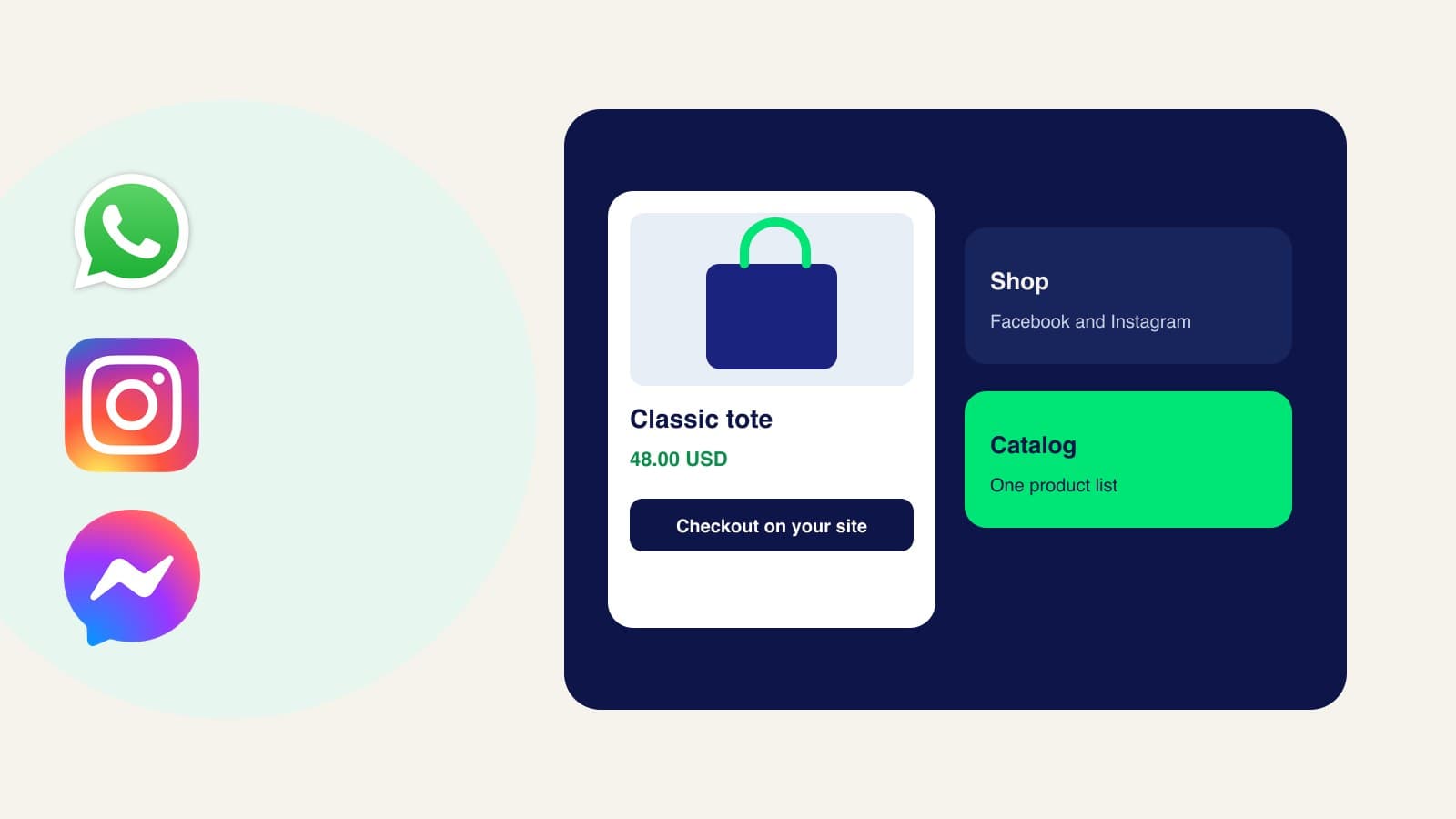
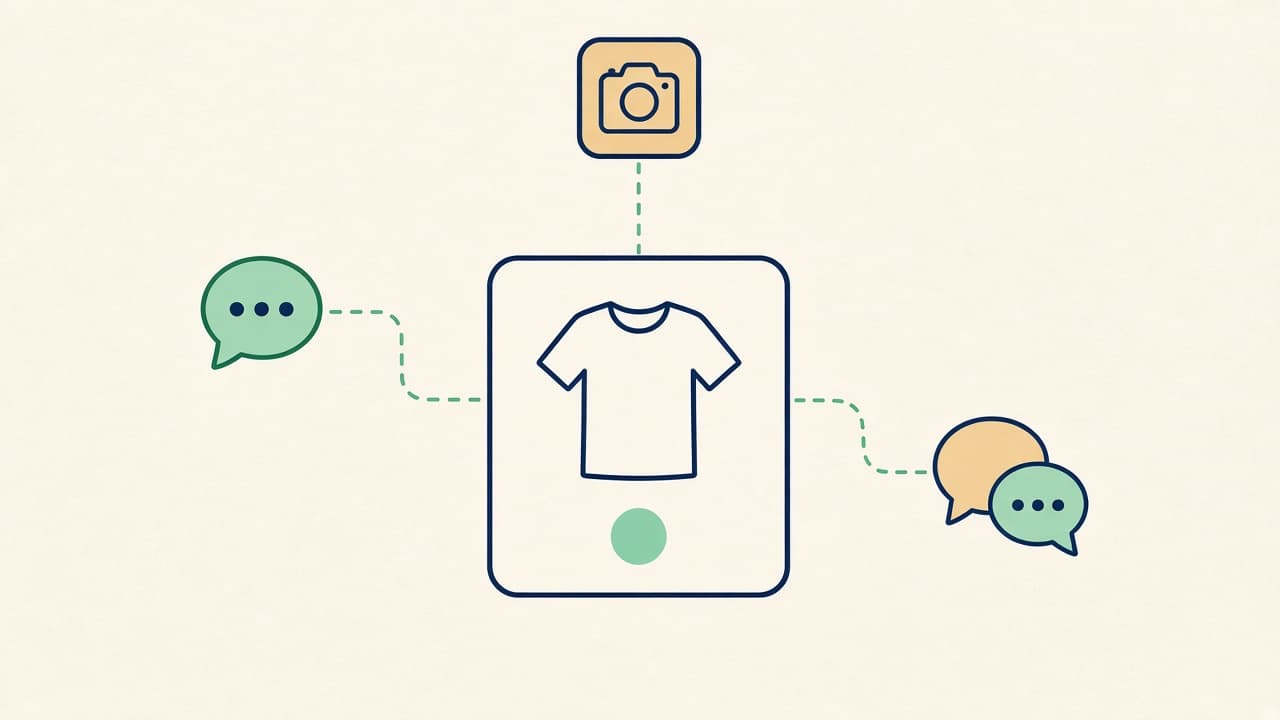
A Meta catalog is the container of items you want Meta to promote. Each item is a row of facts: an ID, a title, a description, a price, a photo, whether it is in stock, and the page on your website where someone can buy it. Facebook Shops, Instagram product tags, Advantage+ catalog ads, and a connected WhatsApp catalog all read that same list.
Which kind of catalog
When you create one in Commerce Manager, Meta asks what you sell. Most stores want products sold online: clothing, home, beauty, and the like. There are other catalog types for travel, vehicles, real estate, apps, and local services. Those use different fields. The rest of this guide is the online-products catalog.
Meta recommends one catalog when you can, because splitting products across several catalogs weakens ad delivery. A Facebook or Instagram shop can be tied to only one catalog, and you cannot point that shop at a different catalog later. Keep the catalog you would trust a customer to see.
Where the catalog shows up
- A shop on Facebook or Instagram, if you create one. Since September 2025 the purchase itself continues on your website. That change is covered in what Meta Commerce Manager is.
- Product tags and collections on Instagram and Facebook.
- Advantage+ catalog ads, which pull items from the catalog. For those ads, the item ID in the catalog has to match the content ID your Meta Pixel sends from the website.
- WhatsApp, after you connect the catalog to the WhatsApp Business account and link the Facebook Page that belongs with it. Product updates can take up to 24 hours to show on WhatsApp Web.
The fields every product needs
Meta rejects or hides items when required fields are missing or formatted wrong. The catalog field list requires these for ads and commerce:
| Field | What to put |
|---|---|
| id | A unique ID, ideally the SKU. Use it once. If you run catalog ads, it must match the content ID on your site. |
| title | A specific name. The limit is 200 characters. Meta suggests staying near 65 so the title is not cut off. |
| description | Plain text, different from the title. No HTML, no links, and not all capitals. |
| availability | in stock or out of stock. Out-of-stock items can show as sold out in a shop and are left out of ads. |
| condition | new, refurbished, or used. |
| price | A number, a space, then the currency code: 48.00 USD. Use a period for the decimal. Do not write $48. |
| link | The exact product page on your domain, starting with https://. Not a Facebook page. |
| image_link | A JPEG or PNG, at least 500 by 500 pixels, up to 8 MB. If you change the photo, use a new URL or Meta may keep the old file. |
| brand | The brand name, up to 100 characters. |
For clothing and shoes sold in a shop, size is also required, written as a word or number such as Medium or US 12, with a space, and without the word “size.” Variants of one product, such as three colors of the same tote, should share an item_group_id and differ by color or size. A sale price belongs in sale_price, and it must be lower than price. Extra photos go in additional_image_link, up to 20.
How to put products in
Meta documents five data sources. Three of them cover almost every small catalog:
- By hand in Commerce Manager. This fits a short list that rarely changes. You need permission to manage the catalog.
- A data feed. A spreadsheet or XML file, uploaded once or on a schedule Meta offers hourly, daily, or weekly. Use this when prices and stock move often and you can export the file from your store.
- A partner platform. If the store already runs on Shopify, WooCommerce, or another platform Meta integrates with, connect it and keep editing products there. Commerce Manager receives the updates. Change the product in the store, not as a one-off edit that the next sync will overwrite.
Meta also describes two narrower options for eligible businesses: detecting products from your Page or Instagram posts, and crawling your website. Treat those as extras. A feed or a partner sync is the list you can actually check.
Why an item never appears
- The price uses a currency symbol or a comma as the decimal mark.
- The image is too small, is not JPEG or PNG, or the URL does not stay public.
- The same ID appears twice. Meta ignores the duplicates.
- The link points at a Facebook URL, a homepage, or a page that is not that product.
- The description is a copy of the title, or it contains a link.
- The item is archived. Only active items can show in ads, shops, and other channels.
After a feed upload, read the error report in Commerce Manager before you assume the shop or the ad is broken. A catalog with 200 rows and 40 rejected rows will look randomly empty.
Product sets
A set is a filtered slice of the catalog, such as “in stock” and “summer.” Ads and collections can use a set so you are not promoting the whole warehouse. Labels you add for filtering are for you. Customers do not see them.
Frequently asked questions
Is a catalog the same as a Facebook shop?
No. The catalog is the data. The shop is one place that data can be displayed. You can run catalog ads with no shop at all.
Do WhatsApp, Instagram, and Facebook need three catalogs?
No. One catalog can feed all three, as long as each channel is allowed to use it and the items have the fields that channel expects.
How often should prices update?
As often as they change on your website. A scheduled feed or a partner sync is safer than remembering to edit Commerce Manager by hand after every sale.
Using the catalog inside a conversation
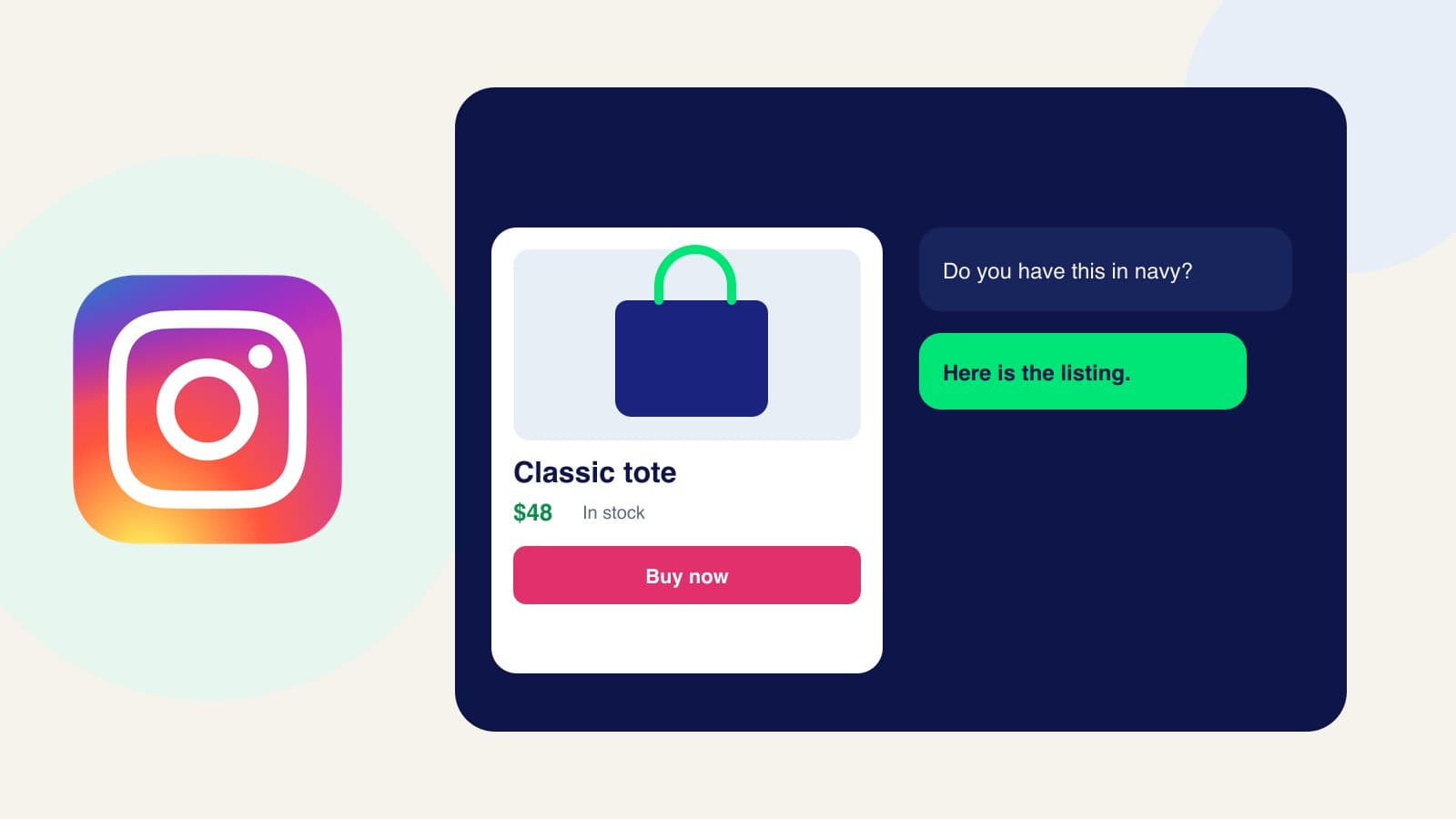
A healthy catalog is what makes a product card possible in WhatsApp, Instagram, and Messenger. If you want an assistant to send that card when someone asks, rather than only when you attach it yourself, Zorachat can keep the products in sync with Commerce Manager. The setup is the same list of fields this guide covers, and the channel steps start at how to show a product card on WhatsApp.