What Is Meta Commerce Manager?
Meta Commerce Manager is where a business keeps its catalog and, if it wants one, a shop on Facebook and Instagram. Checkout now happens on your website.
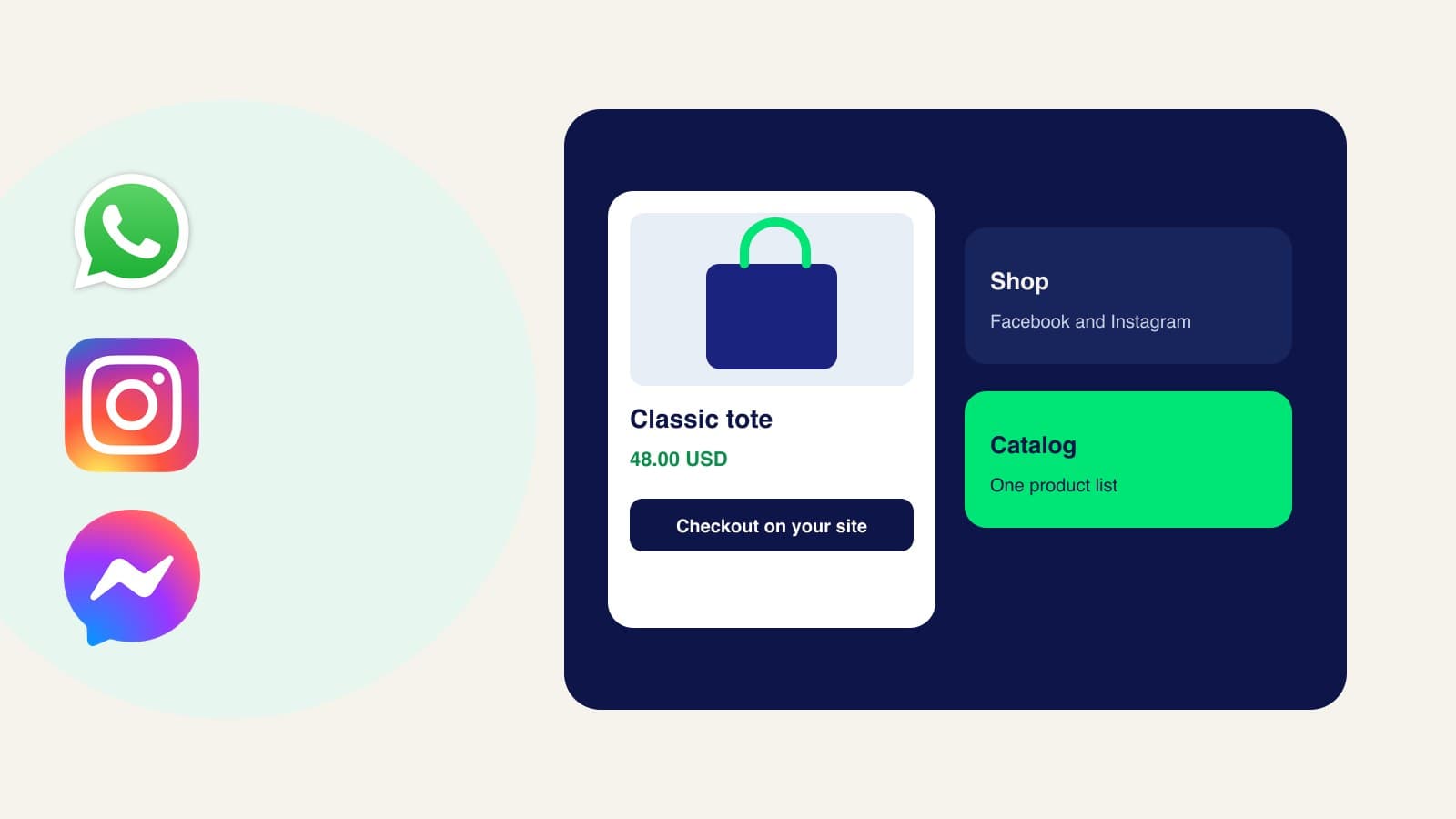
Meta Commerce Manager is Meta’s tool for the product data and the shop you show on Facebook and Instagram. You can use it with a catalog alone. A shop is optional, and it unlocks the storefront tools. Since September 2025, a shop no longer takes payment inside Facebook or Instagram. The customer finishes the purchase on your website.
Commerce Manager, a catalog, and a shop
People mix these up because they live in the same place.
- Commerce Manager is the workspace. Meta’s own description says anyone can use it to create and manage a catalog. You do not need a shop to do that.
- A catalog is the list of items: name, photo, price, availability, and the link to the product on your site. That list is what ads, product tags, and WhatsApp read. The field-by-field version is in what a Meta catalog is.
- A shop is the storefront on Facebook, Instagram, or both. Setting one up creates a commerce account and opens extra tools: the shop layout, featured collections, and insights about customers and popular items.
A shop can use only one catalog. Meta lets you keep editing that catalog. You cannot swap the shop onto a different catalog later, so pick the catalog you actually maintain.
Where the customer pays
As of September 2025, Shops on Facebook and Instagram use website checkout. The shop can still show a home page, collections, and product pages. When someone is ready to buy, Meta sends them to your site.
That checkout URL has to accept the cart Meta sends: product IDs, quantities, and any promotion. If a shop that used to check out on Facebook or Instagram has not moved to a working website checkout, Meta says the shop can be invisible. Build the URL, test it in Commerce Manager, and keep the product IDs in the catalog identical to the IDs on your site.
You collect the money with the processor already on your store. You also own shipping, receipts, and returns there. Meta’s help center says payment processing for Shops has been discontinued, so you no longer run those transactions inside the shop.
What Commerce Manager no longer does after the sale
Because the purchase happens on your site, Meta discontinued the post-purchase tools in Commerce Manager:
- Payouts. You can still see older balance, payout, tax, and charge records for a while. New shop sales are not paid out by Meta.
- Orders. New orders are not managed there. You can still view a record of older orders. Status, bulk actions, and fulfillment happen on your site or your ecommerce platform.
- Returns and disputes. Returns are handled on your site. Meta no longer offers chargeback handling for new orders in Commerce Manager.
- Inbox. The Commerce Manager inbox is no longer where you answer those customers.
What this changes for ads
Shops ads can still send someone either to the shop or to your website, whichever Meta expects to convert. Purchases themselves happen on the website, so the old “Website and shop” conversion location is gone. Meta tells advertisers to use the Website conversion location, and to leave Shops on under personalized destinations if they still want Meta to choose between the shop and the site.
After the update, Meta purchases and Meta purchase conversion value no longer measure new sales. Those events now show as zero. Website purchases, shop-assisted purchases, and direct website purchases are the metrics Meta points to instead. Historical Meta purchase numbers can remain visible for up to 39 months.
WhatsApp uses the catalog, not shop checkout
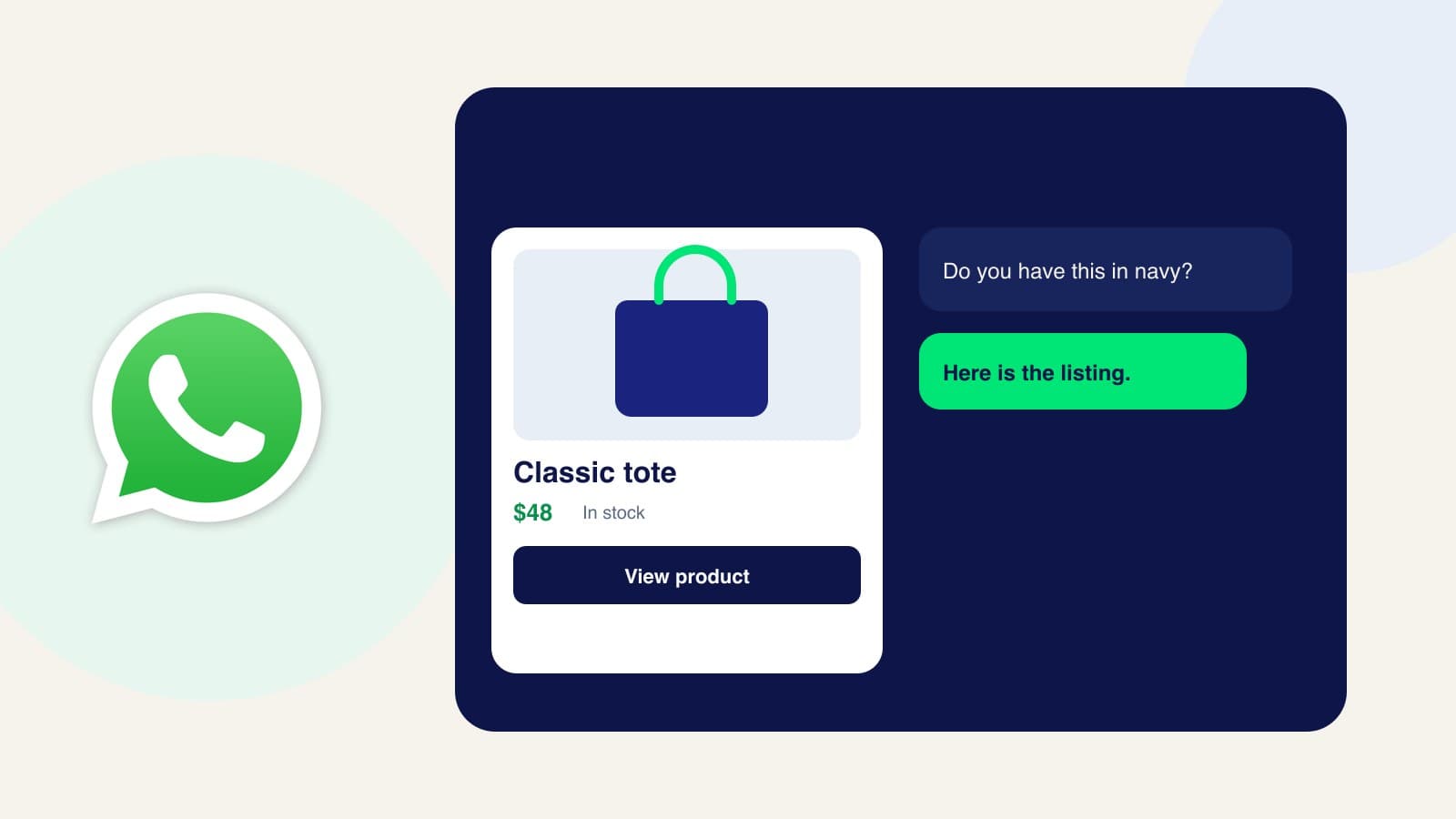
WhatsApp Business can show the same Meta catalog in a chat, once that catalog is connected and a Facebook Page tied to it is linked to the WhatsApp account. You connect and disconnect it in the WhatsApp Business app. WhatsApp Web can display the catalog, and Meta says updates can take up to 24 hours to appear there. A WhatsApp product message is not the Facebook shop checkout. The buyer still needs a path to pay you, usually your product page or a payment link.
A sensible way to start
- Use a Meta business portfolio you fully control.
- Open Commerce Manager and create one catalog for the products you sell online.
- Fill it from your store, a file, or by hand, and make every item’s link and ID match your website.
- Add a shop only if you want the Facebook or Instagram storefront. Give it a checkout URL before you expect it to stay visible.
- Connect that same catalog to WhatsApp if customers already ask for products there.
Frequently asked questions
Do I need a shop to use Commerce Manager?
No. A catalog is enough for ads and for other Meta placements that read product data. A shop is the storefront, and it is a separate choice.
Can customers still buy on Instagram?
They can discover the product on Instagram. They pay on your website. The shop page is the front of the store. Your checkout is the cash register.
Should I create a new shop for the checkout change?
Meta recommends updating the shop you already have, rather than starting another one.
When the catalog should also answer a chat
Commerce Manager stores the products. It does not sit in WhatsApp, Instagram, and Messenger and reply. If you want the same listings to show up as a card while a customer is asking a question, Zorachat’s catalog sync pushes products into Commerce Manager and the assistant can send the card in the thread. The buyer still pays on your site. The WhatsApp version of that path is how to show a product card on WhatsApp.